


Reintegrating Your Data After Data Recovery—Getting Back to Normal
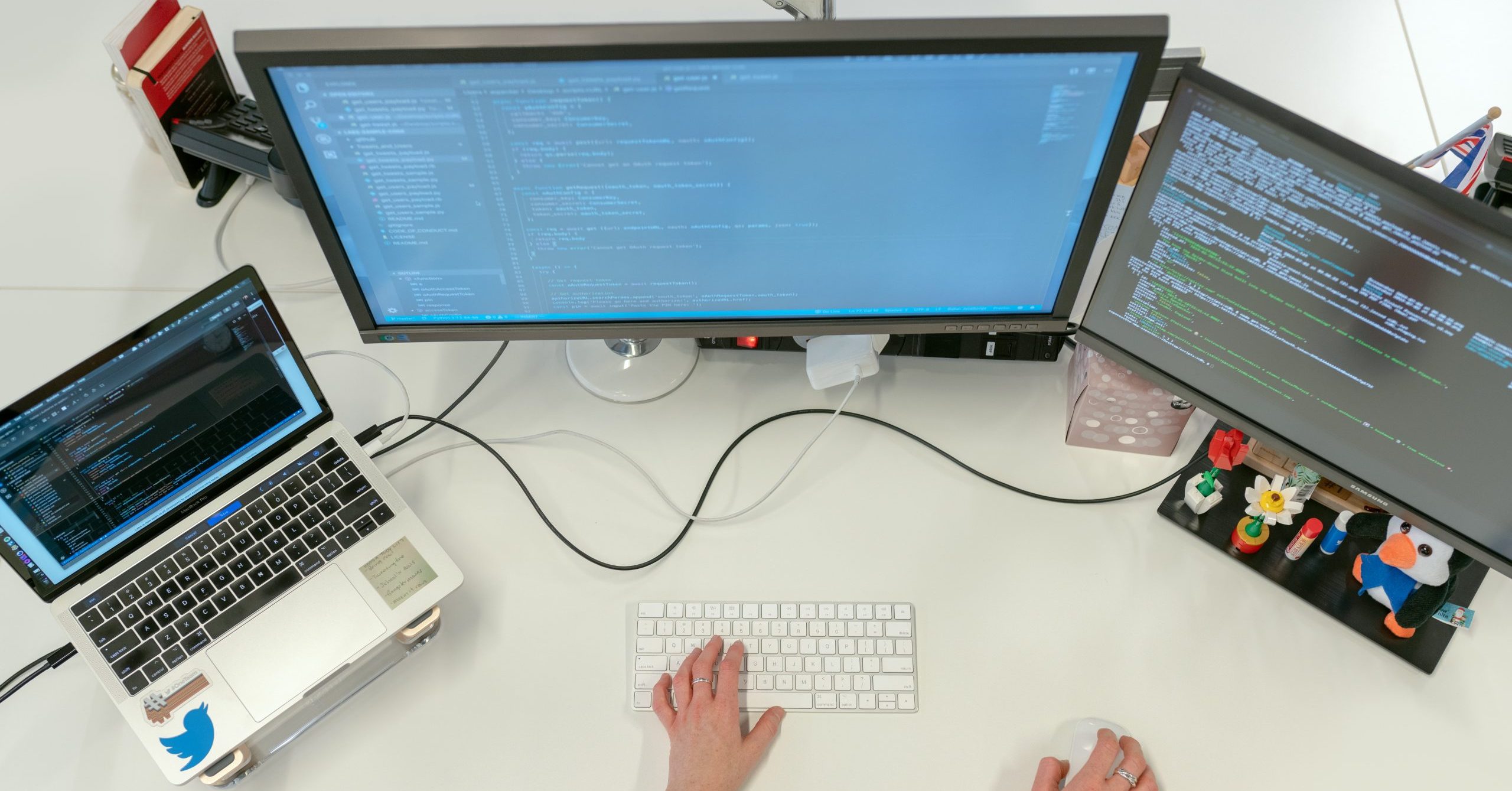
One of the most challenging aspects of getting data back can be reintegrating it into your computer. If you have a trusted IT professional, we recommend you use their help in this process.
Returning to normal will be much easier and more complete if you have not put any new data on the computer. This mostly affects Mac users, but is true for Windows as well. Attempting to integrate recovered data onto a computer after new data has been created not only causes complications for the integration of recovered data, it also jeopardizes whatever new data has been created.
The most difficult scenario is when a customer decides to restore an old backup, starts to put new content on the computer and then tries to just fill in the holes with data recovered by DriveSavers. This task is nearly impossible, even for experts at DriveSavers.
Some database programs like Quicken, QuickBooks, iPhoto, iTunes, Photo Booth and others do not allow merging of data—at least not without a lot of creative manipulation. It always works best to put those programs back in place first and then start to put new data into them. Your trusted IT can help with this task.
If you find yourself in need of data recovery services, please do not put new data on your computer until you know if the original drive is recoverable or not.

