

Before you do anything
Rebuilds, reinitialization and recovery software can overwrite the data you need. These three steps give our engineers the best chance.
Step 1
Stop
Stop using the system. Every read, write, rebuild or restart can make recovery harder.
Step 2
Power off
Shut it down and leave the drives where they are. Do not swap, remove or reorder them.
Step 3
Call DriveSavers
A data recovery advisor will tell you exactly what to do next, including whether your system can be evaluated remotely.
QNAP at a glance

QTS and QuTS hero
Operating systems
ext4 and ZFS
File systems
Static, thick and thin volumes
Storage types
TS, TVS and enterprise rackmount
Common models
When a QNAP NAS fails
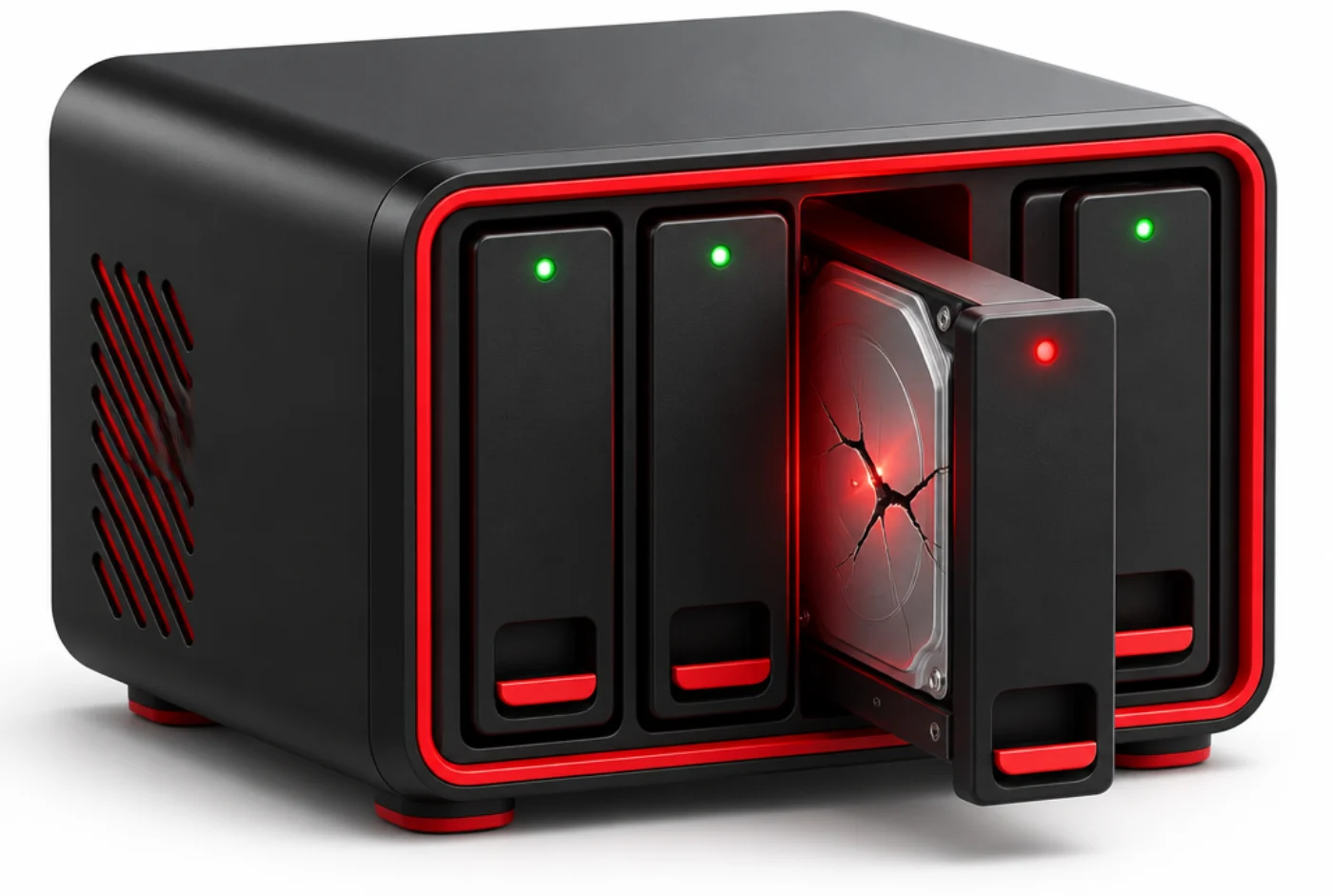
QNAP volumes stack RAID, LVM and a file system on your drives. A failed rebuild, a firmware update or a single bad drive can leave the storage pool inaccessible.
We image every drive, recover failed ones in our ISO Class 5 cleanroom and rebuild the volume on our own systems, never writing to your originals. Many logical failures can be evaluated remotely before anything ships.
QNAP failures we recover
Our engineers see these every week. Each one is recoverable when the device is left as it is.
Storage pool inactive
The pool shows as inactive, unmounted or in error.
Multiple drive failure
More drives failed than the RAID can tolerate.
Failed firmware update
The NAS lost its pools or will not boot after an update.
Ransomware
Files were encrypted by ransomware targeting the NAS.
Thin volume corruption
A thin or thick volume will not mount after a pool error.
Deleted volume or share
A volume, LUN or shared folder was deleted.
How we recover QNAP data
QNAP stacks software RAID, LVM and thin provisioning under ext4, or uses ZFS on QuTS hero. Our engineers evaluate every drive, open physically damaged drives in our ISO Class 5 cleanroom and image each drive on our own equipment.
We then rebuild the RAID, the storage pool and the volume virtually on DriveSavers systems. Your original drives are never written to.
You review a file list before anything ships, and your data comes back on encrypted media or by secure download.
Remote, onsite or in our lab
Not every array needs to leave your building. A data recovery advisor will help you choose the fastest safe option for your system and your security rules.
Often the fastest start
Remote evaluation and recovery
For many logical failures, such as a lost configuration, deleted volume or corrupted file system, our engineers can often evaluate the array remotely over a secure connection. No shipping, no downtime waiting on a courier.
For strict security rules
Onsite recovery
When data cannot leave your facility, engineers bring the lab to you. Onsite service covers any data loss scenario, including mechanical and physical damage.
Physical damage and most cases
In our certified lab
Most arrays come to our secure California facility, with an ISO Class 5 cleanroom for physically damaged drives and Economy, Standard or Priority service.
Hit by ransomware?
Ransomware increasingly targets QNAP NAS because that is where the data lives. Our engineers recover encrypted volumes, virtual machines, databases and backups, often without paying the ransom.
Isolate and power off
Disconnect the affected system from the network and shut it down. Do not wipe, restore over or reinitialize anything.
Call before you pay
Payment does not guarantee working decryption. Talk to a data recovery advisor about what can be recovered first.
Recover what matters
Encrypted arrays, VMs, databases and backup repositories, handled under our SOC 2 Type II audited controls.
How a NAS recovery works
From your first call to your data back, one engineer team owns your case.

1. Speak with a data recovery advisor
Call 800-440-1904. A data recovery advisor asks what happened and sets up the fastest safe start: a remote evaluation, onsite service or shipping to our lab.
2. Remote evaluation or free shipping
Many logical failures can be evaluated remotely over a secure connection, with nothing shipped. If the drives need our lab, we email a free shipping label and packing instructions.
3. Free evaluation
Engineers examine every drive and tell you what is recoverable, at no cost.
4. Approve your quote
Nothing happens until you say yes.
5. Recovery in the lab
Cleanroom work where needed, full imaging, then the array is rebuilt on our own systems.
6. Verify and return
Check a file list before anything ships. Your data comes back encrypted.
Why people send their NAS to DriveSavers
Over 40 years of recovering data from the systems businesses depend on.
Since 1985
Four decades of data recovery for businesses, government agencies and individuals.
ISO Class 5 cleanroom
Drives are opened only in a certified cleanroom, so damaged drives are not made worse.
SOC 2 Type II audited
An annual third-party audit of our security controls, plus your NDA signed on request.
Manufacturer approved
Drive makers authorize us to open sealed drives without voiding your warranty.
Onsite and remote options
For systems that cannot leave your site, our engineers can work onsite or remotely.
Around the clock
Priority service starts the moment your drives arrive, 365 days a year.

Certified ISO Class 5 Cleanroom
DriveSavers operates the industry’s largest state-of-the-art Certified ISO Cleanroom environment and has developed proprietary techniques, hardware, and software that allow us to deliver custom data recovery solutions for all common and catastrophic data loss situations. All HDD physical data recoveries are performed inside our dust-free and static-free Certified ISO Class 5 Cleanroom. The Cleanroom is an operating room for damaged drives, which prevents contamination that could result in permanent data loss while we perform surgery on the delicate components of your storage device. That’s why, since 1985, major data storage device manufacturers have trusted DriveSavers to find the issue and perform intricate recovery operations without voiding the original warranty.

Data Recovery Success
DriveSavers has the highest chance of success in the industry. Our in-house R&D team, combined with relationships with all leading storage device manufacturers, allows us the highest opportunity for success. DriveSavers handles every kind of data loss situation, and has helped hundreds of thousands of customers who have lost data. In fact, our engineers handle more devices in one day than the average data recovery center in one month. Our volume of recovered data speaks for itself.
Since 1985, DriveSavers has performed professional data recovery on every kind of storage device, including hard disk drives (HDDs), helium hard drives, solid-state drives (SSDs), smartphones such as iPhones and Android phones, tablets, USB flash drives, camera cards, and enterprise-level devices like RAIDs. We have proprietary tools to handle every kind of data loss situation on any server, including physical and mechanical failure, backup failure, water and fire damage, data corruption, file deletion, head crash, system failure, and more. We conduct all data recoveries using proprietary software and solutions that won’t further damage your device.

Superior Customer Service
Losing data is never a choice, but when it happens—any time, day or night, and even on weekends or holidays—you can count on our advisors to answer your call seven days a week. Call us, and our highly-knowledgeable in-house Data Recovery Advisors are ready to help.
We are real, live human beings eager to help you get your data back. DriveSavers has a 97 percent customer satisfaction rating, as expressed in our thousands of Google and Yelp reviews.

Our Mission Since 1985
Our mission is to successfully recover your data as safely and quickly as possible and to provide you with a stress-free experience. We offer worldwide service for a diverse range of customers, including Fortune 500 companies, small to medium-sized businesses, and home users.
As the most trusted data recovery company, DriveSavers is focused on exemplary customer service. We protect data privacy with a secure data recovery process that undergoes an annual SSAE 18 SOC 2 Type II audit and complies with regulatory standards required by medical, banking, education, and corporate industries. If you’ve lost valuable, irreplaceable data…We can save it!®
Every controller, NAS and file system
If it stores data on more than one drive, our engineers have recovered it.
Controllers and software RAID
NAS and SAN
File systems and volumes
Choose how fast you need it
Every service level gets the same engineers, cleanroom and security. You choose the speed.
Priority
Recovery begins the moment your drives arrive and continues evenings, weekends and holidays, 365 days a year.
Standard
Typically 1 to 4 business days, completed during normal business hours.
Economy
Typically 10 to 14 business days, for data that can wait.
Trusted by the companies that build the hardware
Manufacturers and platform makers recommend DriveSavers to their own customers.
Dell Technologies
Data recovery partner since 1998.

Western Digital
Platinum third-party data recovery partner since 1997.
VMware by Broadcom
Named for vSAN recovery in Broadcom KB 326764.
Manufacturer approved
Leading drive makers authorize us to open sealed drives without voiding the warranty.
About the SOC 2 Type II Audit
DriveSavers undergoes an annual SOC 2 Type II audit of its internal data hosting and processing controls to guarantee that our data recovery services uphold the stringent data security and privacy protocols mandated by the corporate clients and government agencies we serve.
Our annual SOC 2 Type II audits are conducted by independent control professionals from IS Partners, LLC, a CPA firm specializing in information security and compliance. Audits are performed continuously on a twelve-month “look back” cycle to ensure our security controls strictly operate as intended year-round. Our full SOC 2 Type II report is available upon request.

QNAP questions
No. Recovery and rebuild functions write to the drives. Power the NAS off and call us.
Often, yes. Our engineers recover data from encrypted QNAP systems, frequently without paying the ransom.
Yes. We recover ZFS pools from QuTS hero as well as ext4 volumes from QTS.
NAS recovery questions
It depends on the model and the failure. A data recovery advisor will tell you whether a remote evaluation is possible, or exactly what to send before anything ships.
No. Rebuilds, repair functions, reinitialization and recovery software can overwrite the data you need. Power the NAS off and call 800-440-1904.
DriveSavers undergoes an annual SOC 2 Type II audit. Every device is tracked from intake to return, and we sign your NDA on request.
Every NAS is different. The evaluation is free, and you approve the quote before any recovery work begins.
It depends on the number of drives, their condition and the service level you choose. You get a timeline after the evaluation.


 English (United States)
 English (Australia)
 French (France)
 English (UK)
 French (Canada)
 English (Canada)
 Spanish (Mexico)
 German
 Dutch
 Italian
 Finnish
 Polish
 Norwegian
 Swedish
 Danish
 Spanish (Spain)
 Chinese
 Japanese
 German (Austria)