
Data Recovery Services in New York

Data Security
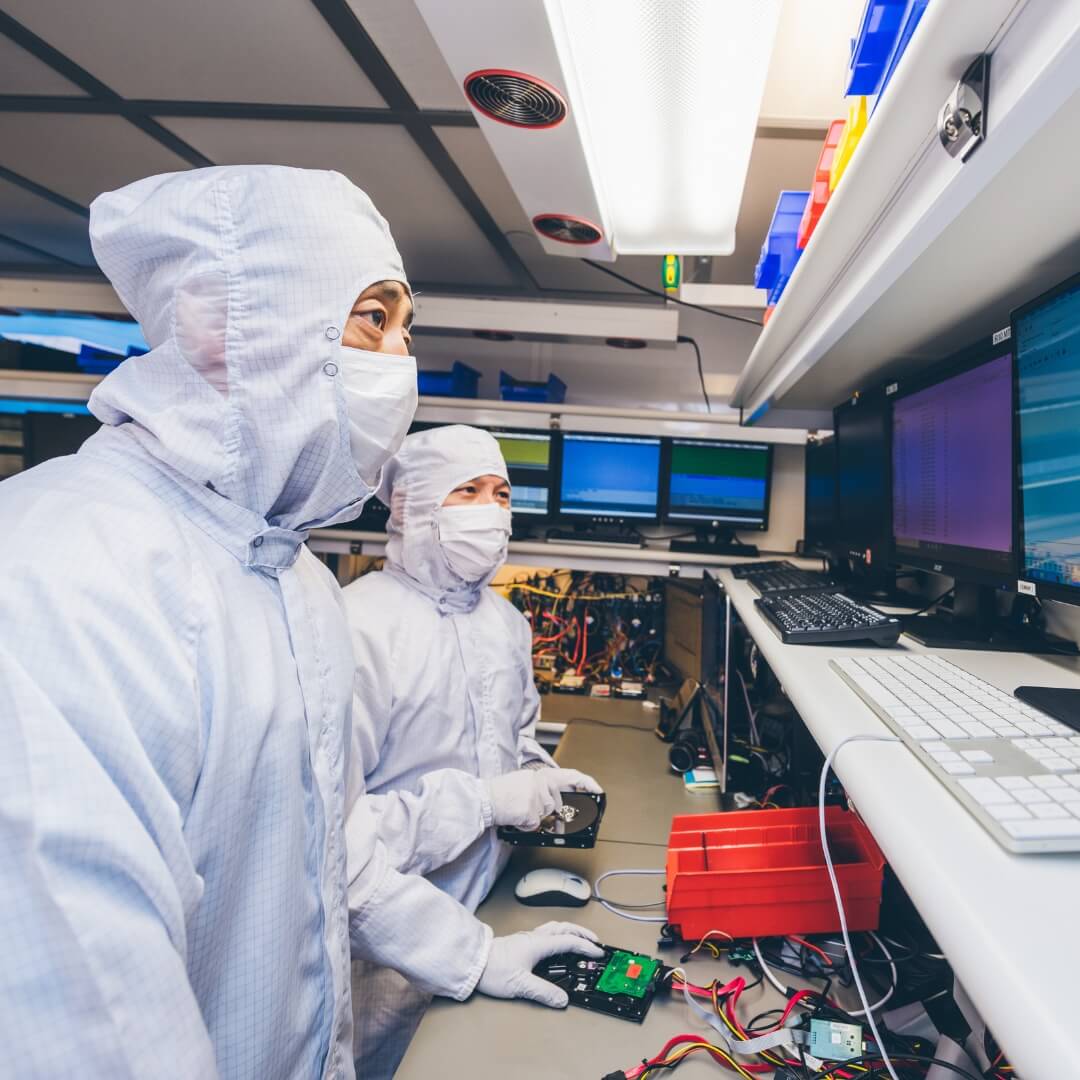
During Data Recovery
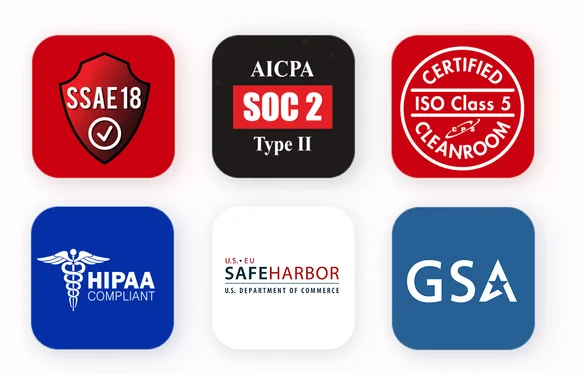
In the virtual world of the web, other data recovery companies may claim to provide the same levels of experience, service, and security as DriveSavers. But, can they really support what they say? SSAE 18, SOC 2, ISO Class 5, HIPAA, GSA, Safe Harbor, DriveSavers provides proof.
Where is DriveSavers Data Recovery in New York City?
DriveSavers is at 120 W 20th St, New York, NY 10011, in Chelsea between Sixth and Seventh Avenues, between the Flatiron District and Union Square. It is open Monday through Saturday, 10 AM to 6 PM, and closed Sunday.
Location Details
Address: 120 W 20th St, New York, NY 10011
Cross streets: between Sixth and Seventh Avenues
Phone: (347) 817-1207
Hours: Mon–Sat 10 AM–6 PM, Sun closed
What Data Can DriveSavers Recover in New York City?
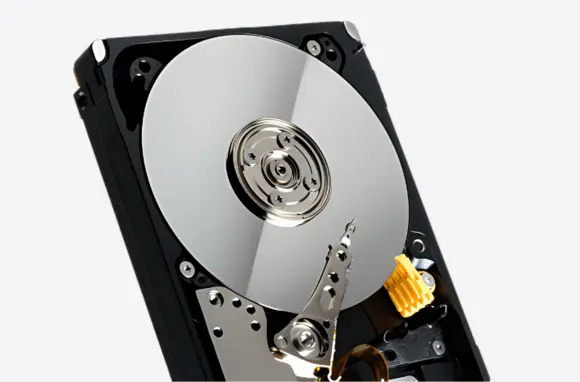
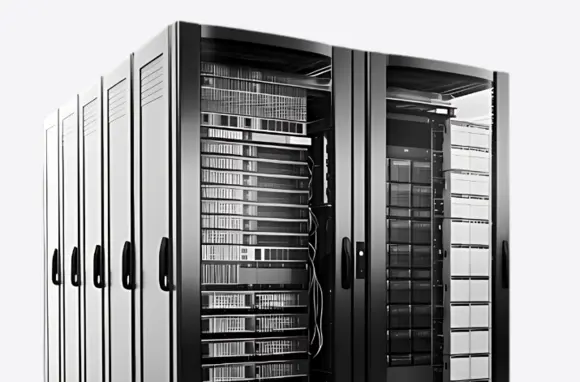
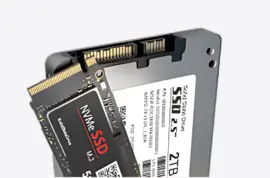
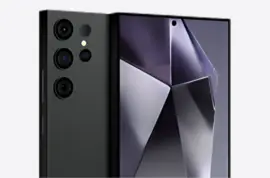
DriveSavers recovers data from hard drives, SSDs, RAID arrays, servers, NAS, computers, phones, and removable media when files are deleted, corrupted, inaccessible, or affected by device failure or damage.
What are New York City customers saying
about DriveSavers?
What Happened to Your Data?
The chances of a good recovery depend on what happened to the storage device. Avoid making the situation worse by following these first steps.
Drive is clicking or not detected
Repeated power cycles can complicate a mechanical recovery. Stop using the device and call first.
Files were accidentally deleted
Further use can overwrite deleted data. Stop using the device, and call for a professional evaluation to determine available options.
Power surge or corruption
Sudden electrical events can damage storage electronics or corrupt the file system.
RAID or NAS failure
Do not rebuild or initialize an array until the recovery situation has been assessed.
Water or physical damage
Physical damage may require specialized recovery techniques and controlled handling.
Ransomware or inaccessible files
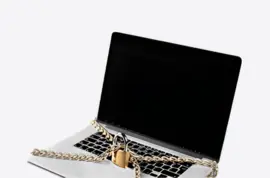
Recovery may involve file-system, encryption, or storage-level issues depending on the incident.
What Happens After You Contact DriveSavers?
With decades of experience, DriveSavers is a trusted recovery partner for consumers, creative professionals, and businesses—bringing recognized security practices and deep expertise across all types of storage devices.
Our pricing is simple and transparent: free estimates, no upfront charges, no hidden fees, and your final cost will never exceed your quote.
Call first
Tell a Data Recovery Advisor what happened.
Choose the next step
Discuss local drop-off or shipping options.
Free evaluation
Engineers assess the device and recovery situation.
Review the quote
Understand the recovery options and cost before proceeding.
Recover your data
Approved recovery work begins and your data is returned.
Where does DriveSavers serve customers
in New York City?
From Manhattan’s financial district to Brooklyn’s creative communities and Queens’ diverse business neighborhoods, New York City brings together businesses, professionals, artists, students, and residents who depend on their digital data every day. DriveSavers provides data recovery options for customers throughout New York City, including recovery services for hard drives, SSDs, smartphones, RAID systems, and other storage devices. Contact our team to discuss your device and the appropriate next steps.
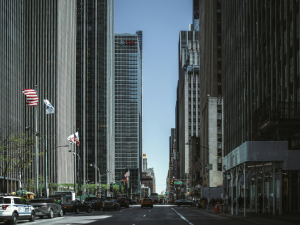
Manhattan
Manhattan is a major center for finance, technology, healthcare, media, and professional services. Businesses and individuals rely on digital files for financial records, business documents, creative projects, and personal information. When a hard drive, SSD, or other storage device fails, DriveSavers can help customers explore options for recovering important data.
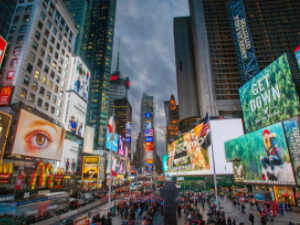
Midtown & Times Square
Midtown Manhattan and Times Square are known for corporate offices, media organizations, Broadway theaters, and entertainment businesses. Professionals and creative teams depend on digital files for daily operations, production projects, and essential business records. DriveSavers offers data recovery options when supported storage devices become inaccessible.
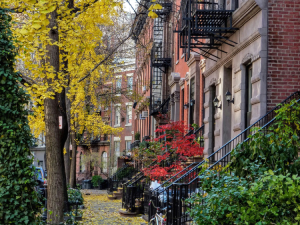
SoHo & Greenwich Village
Known for art, design, music, independent businesses, and creative culture, SoHo and Greenwich Village attract artists, photographers, musicians, and entrepreneurs. When important project files, recordings, photographs, or personal data become inaccessible, DriveSavers can help customers explore appropriate recovery options.
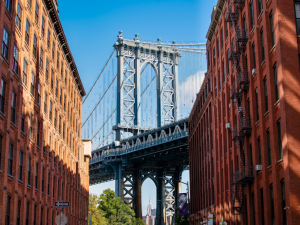
Brooklyn
Brooklyn combines established commercial districts with independent studios, creative businesses, media production, and residential neighborhoods. From business records and professional projects to music, photography, and personal files, data loss can disrupt work and everyday life. DriveSavers provides recovery options for supported storage devices affected by data loss.
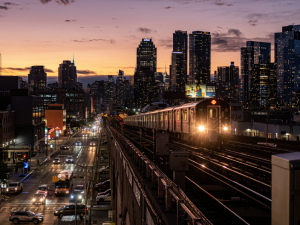
Queens
Queens is home to diverse communities, small businesses, commercial districts, educational institutions, and cultural destinations. Whether a storage device contains business documents, family photographs, or important personal files, DriveSavers can help customers understand their available data recovery options.
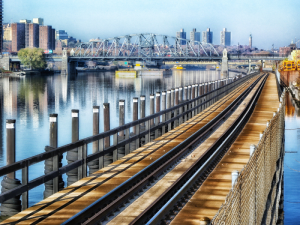
Bronx
The Bronx brings together local businesses, educational institutions, cultural attractions, and residential communities. When important information becomes inaccessible because of a failed hard drive, damaged SSD, or another storage problem, DriveSavers can help customers determine the appropriate next steps.
Why Choose DriveSavers
With decades of experience, DriveSavers is a trusted recovery partner for consumers, creative professionals, and businesses—bringing recognized security practices and deep expertise across all types of storage devices.
Our pricing is simple and transparent: free estimates, no upfront charges, no hidden fees, and your final cost will never exceed your quote.
Broad Device Coverage
Advanced Recovery Expertise
Certified Secure Processes
Cleanroom Recovery Facilities
Frequently Asked Questions About NYC Data Recovery
Short answers to the questions that usually come before a local visit or shipment.
DriveSavers is located at 120 W 20th St, New York, NY 10011, in Chelsea between Sixth and Seventh Avenues.
Monday through Saturday, 10 AM to 6 PM. The location is closed on Sunday.
No. The location is closed Sundays, but advisors are available by phone 24/7 at (347) 817-1207.
Yes. You can ship your device directly to our secure central laboratory using a pre-paid FedEx shipping label provided by our customer advisors.
Yes. If engineers cannot successfully retrieve your critical files, you will not be charged for the recovery attempt.
No. DriveSavers is authorized by all major device manufacturers including Apple, Western Digital, Seagate, and Samsung to open sealed devices without compromising your original factory warranty.
We offer three speeds including Standard which takes 1 to 4 business days, Economy which takes 10 to 14 business days, and a non-stop Priority ASAP service that runs 365 days a year.
Yes. For non-mechanical issues such as data deletion or software corruption on enterprise systems like RAID, NAS, or large servers, we can perform a secure, remote recovery.
Absolutely. Your data is protected by the highest security standards in the industry. DriveSavers undergoes annual third-party audits to maintain SSAE 18 SOC 2 Type II certification and strictly adheres to HIPAA, FERPA, and government privacy regulations.
All complex physical drive surgeries take place inside a state-of-the-art, Certified ISO Class 5 Cleanroom. Our engineers safely recover data from drives suffering from clicking sounds, fire damage, drops, and liquid spills.
We recover data from virtually any storage media including Mac and PC internal hard drives, SSDs, external backup drives, iPhones, Android smartphones, iPads, USB flash drives, and camera SD cards.
Is there a cost for the initial diagnostic evaluation?
No. We offer a free laboratory diagnostic evaluation for standard drives to determine if your data is recoverable before you commit to any service fees.
Your recovered files will be transferred onto a brand new, encrypted external hard drive or made available via a highly secure cloud download for smaller target files.