

Data Recovery Services in San Antonio

Data Security
During Data Recovery
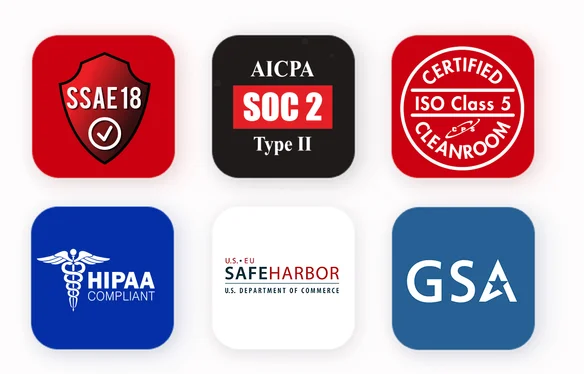
In the virtual world of the web, other data recovery companies may claim to provide the same levels of experience, service, and security as DriveSavers. But, can they really support what they say? SSAE 18, SOC 2, ISO Class 5, HIPAA, GSA, Safe Harbor, DriveSavers provides proof.
Where is DriveSavers Data Recovery in San Antonio?
DriveSavers is located in MacTLC, at 11614 West Ave, San Antonio, TX 78213, in the Castle Hills area of North Central San Antonio near NW Loop 410 and Blanco Road. It is open Monday to Friday, 9 AM to 6 PM; Saturday, 10 AM to 2 PM; and closed Sunday.
Location Details
Located in: MacTLC
Address: 11614 West Ave, San Antonio, TX 78213
Area: near Castle Hills, NW Loop 410 and Blanco Road
Phone: (737) 383-2510
What Data Can DriveSavers Recover in San Antonio?
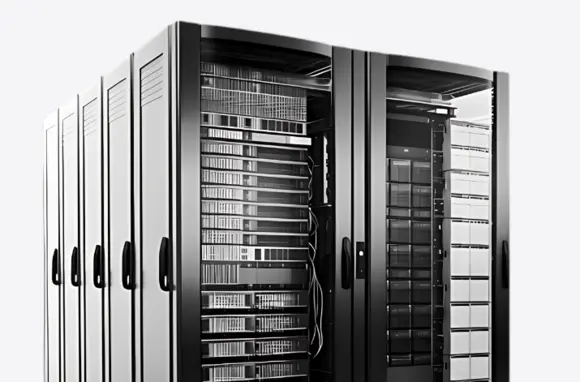
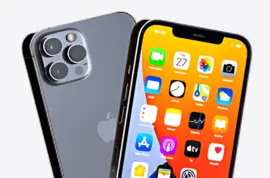
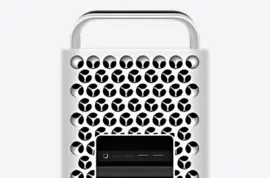
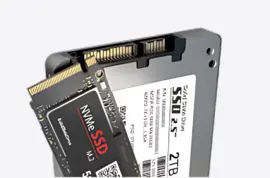
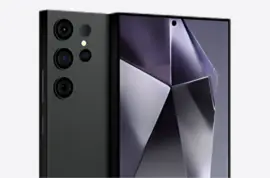
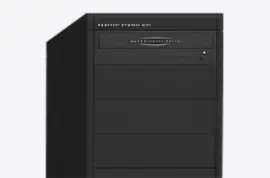
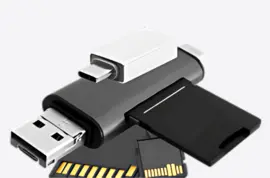
DriveSavers recovers data from hard drives, SSDs, RAID arrays, servers, NAS, computers, smartphones, and removable media affected by deletion, corruption, or device failure.
Our team understands the data recovery needs of organizations across San Antonio, from the South Texas Medical Center and corporate networks along Loop 1604 and the I-10 corridor to military systems connected to Joint Base San Antonio (Fort Sam Houston, Lackland, and Randolph). Whether recovering enterprise server arrays or personal files, we prioritize secure, professional data recovery.

What are San Antonio customers saying
about DriveSavers?
What Happened to Your Data?
The chances of a good recovery depend on what happened to the storage device. Avoid making the situation worse by following these first steps.
Drive is clicking or not detected
Repeated power cycles can complicate a mechanical recovery. Stop using the device and call first.
Files were accidentally deleted
Further use can overwrite deleted data. Stop using the device, and call for a professional evaluation to determine available options.
Power surge or corruption
Sudden electrical events can damage storage electronics or corrupt the file system.
RAID or NAS failure
Do not rebuild or initialize an array until the recovery situation has been assessed.
Water or physical damage
Physical damage may require specialized recovery techniques and controlled handling.
Ransomware or inaccessible files
Recovery may involve file-system, encryption, or storage-level issues depending on the incident.
What Happens After You Contact DriveSavers?
With decades of experience, DriveSavers is a trusted recovery partner for consumers, creative professionals, and businesses—bringing recognized security practices and deep expertise across all types of storage devices.
Our pricing is simple and transparent: free estimates, no upfront charges, no hidden fees, and your final cost will never exceed your quote.
Call first
Tell a Data Recovery Advisor what happened.
Choose the next step
Discuss local drop-off or shipping options.
Free evaluation
Engineers assess the device and recovery situation.
Review the quote
Understand the recovery options and cost before proceeding.
Recover your data
Approved recovery work begins and your data is returned.
Where does DriveSavers serve customers
in San Antonio?
From the famous River Walk and historic Alamo Plaza to the Pearl District, Alamo Heights, and South Texas Medical Center, San Antonio is home to a diverse mix of businesses, healthcare organizations, creative professionals, and residential communities that depend on digital information every day. When a hard drive fails, an SSD becomes inaccessible, or important files are lost, recovering that data can be essential. DriveSavers provides data recovery services throughout the San Antonio area, with recovery options for hard drives, SSDs, smartphones, RAID systems, and other supported storage devices.
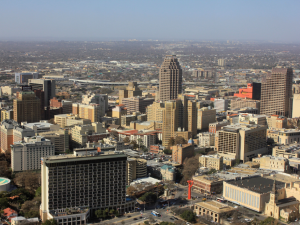
Downtown San Antonio
Downtown San Antonio, including the River Walk and Alamo Plaza, is the city’s central hub for tourism, hospitality, retail, and professional services. Hotels, restaurants, event venues, and corporate offices rely on digital systems to manage reservations, guest records, financial information, and daily operations. A failed business computer, inaccessible server, or damaged external hard drive can put important records and operational files at risk. We can help businesses and individuals explore options for retrieving information from supported storage devices.
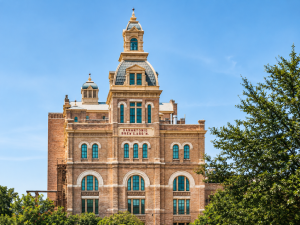
The Pearl District
Known for its historic brewery architecture, culinary hotspots, independent retailers, and weekend farmers market, the Pearl District has become an important destination for San Antonio’s restaurant and entrepreneurial community. Restaurants, boutique retailers, and hospitality businesses depend on digital storage for point-of-sale records, inventory information, customer data, marketing campaigns, and product photography. When a computer or external drive fails, losing access to these files can disrupt business operations. Professional data recovery can help owners explore options for retrieving important business records and digital assets.
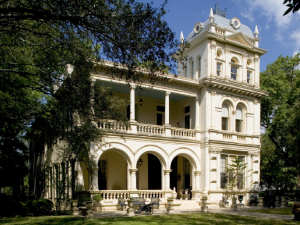
King William Historic District
The King William Historic District and neighboring Southtown are recognized for their historic architecture, art galleries, independent shops, and creative atmosphere. Photographers, artists, designers, and other creative professionals often store years of work on computers, external hard drives, SSDs, and memory cards. A failed drive containing high-resolution photography portfolios, client galleries, video projects, or original design files can mean losing access to valuable creative work. DriveSavers is available for supported storage devices affected by hardware failure, file corruption, accidental deletion, and other data loss situations.
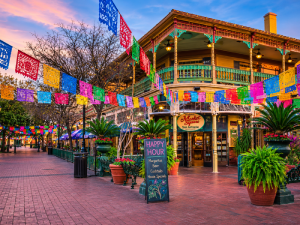
Historic Market Square
Historic Market Square, also known as El Mercado, is a cultural destination for shopping, dining, and experiencing San Antonio’s Mexican heritage. Its independent retailers, restaurants, and small businesses rely on digital records to manage sales, track inventory, maintain supplier information, and organize financial documents. Important business files may be stored on office computers, external hard drives, or other storage devices. When one of these devices stops working or files become inaccessible, we can help business owners explore ways to retrieve essential records and documents.
Alamo Heights
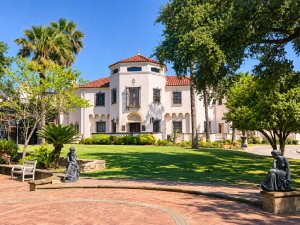
Alamo Heights is an established community near San Antonio, surrounded by residential neighborhoods and cultural attractions including the McNay Art Museum, the Witte Museum, and Brackenridge Park. Residents, families, remote professionals, and local businesses depend on digital devices to preserve family photographs, personal videos, work documents, and creative projects. An external hard drive containing years of family memories or an SSD holding important professional files can become inaccessible without warning. Drivesavers can help individuals and businesses address data loss involving failed hard drives, SSDs, smartphones, and other storage media.
Hemisfair & South TX Medical Center
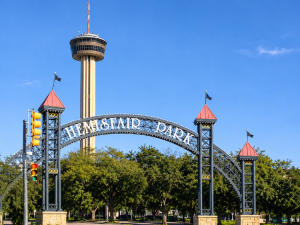
From bustling events at Hemisfair and the Convention District to critical medical records at the South Texas Medical Center, San Antonio professionals rely heavily on digital data. When hardware failures, corrupted media, or accidental deletion strike, fast and secure recovery is essential. Whether you’re a media team protecting event footage or a healthcare facility safeguarding vital records, expert data recovery ensures your operations stay uninterrupted with strict privacy compliance.
Why Choose DriveSavers
With decades of experience, DriveSavers is a trusted recovery partner for consumers, creative professionals, and businesses—bringing recognized security practices and deep expertise across all types of storage devices.
Our pricing is simple and transparent: free estimates, no upfront charges, no hidden fees, and your final cost will never exceed your quote.
Broad Device Coverage
Advanced Recovery Expertise
Certified Secure Processes
Cleanroom Recovery Facilities
Frequently Asked Questions About San Antonio Data Recovery
Short answers to the questions that usually come before a local visit or shipment.
DriveSavers is located in MacTLC, at 11614 West Ave, San Antonio, TX 78213, near Castle Hills, NW Loop 410 and Blanco Road.
Because every data loss scenario is unique, the cost depends on the type of device, the nature of the damage (logical file corruption vs. severe physical hardware failure), and how quickly you need the files back. DriveSavers provides a definitive, itemized estimate after a comprehensive evaluation of your media.
Absolutely. As a regular service provider for the South Texas Medical Center and local corporate firms, data security is our highest priority. DriveSavers undergoes an annual SOC 2 Type II security audit and operates in a secure facility to ensure that sensitive medical records, proprietary business databases, and legal documents remain completely confidential and protected throughout the recovery process.
We strongly recommend calling DriveSavers first. Setting up your order over the phone ensures your case is properly logged in our system. When you arrive at West Avenue near NW Loop 410, the drop-off process will be fast, seamless, and completely secure.
Yes. DriveSavers specializes in advanced mobile device data recovery. Whether your smartphone has physical liquid damage from a spill at the River Walk, a cracked screen, loop-booting issues, or a failed operating system update, our engineers can safely extract photos, contacts, texts, and notes from encrypted iOS and Android devices.
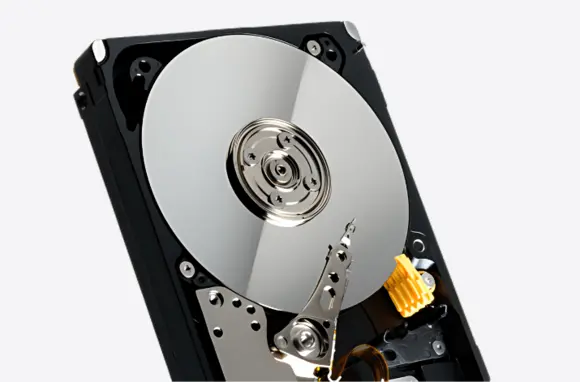
Turn the drive off immediately. Clicking, scraping, or grinding sounds indicate a severe mechanical hardware failure, usually involving the read/write heads making physical contact with the data platters. Continuing to power on a clicking drive will permanently destroy the data. Keep the drive powered down and call our Castle Hills area drop-off point.
Yes. SSD recovery requires highly specialized equipment because flash memory chips fail differently than traditional spinning hard drives. If your laptop or desktop SSD suddenly unmounts, shows a “no bootable device” error, or encounters controller failure, our engineers can bypass the physical damage to reconstruct your files.
Yes. For businesses in Downtown San Antonio or the South Texas Medical Center dealing with a failed multi-drive RAID array, NAS, or SAN server, timing is everything. We support data recovery for all configurations (RAID 0, 1, 5, 6, 10). If your corporate network goes down, call us immediately to discuss our prioritized enterprise workflows.
Yes. Whether a device was dropped in water or suffered a liquid spill at a Pearl District restaurant, data recovery is highly possible. Do not attempt to turn a wet device back on, and do not use rice, which can introduce corrosive dust. Seal the damp device in a plastic bag to keep it from oxidizing and call our West Avenue location immediately.
DriveSavers stands behind a strict “No Data, No Fee” policy for standard cases. If a storage device is so severely physically compromised that our engineers cannot successfully extract your essential files, you will not be charged for the recovery service.
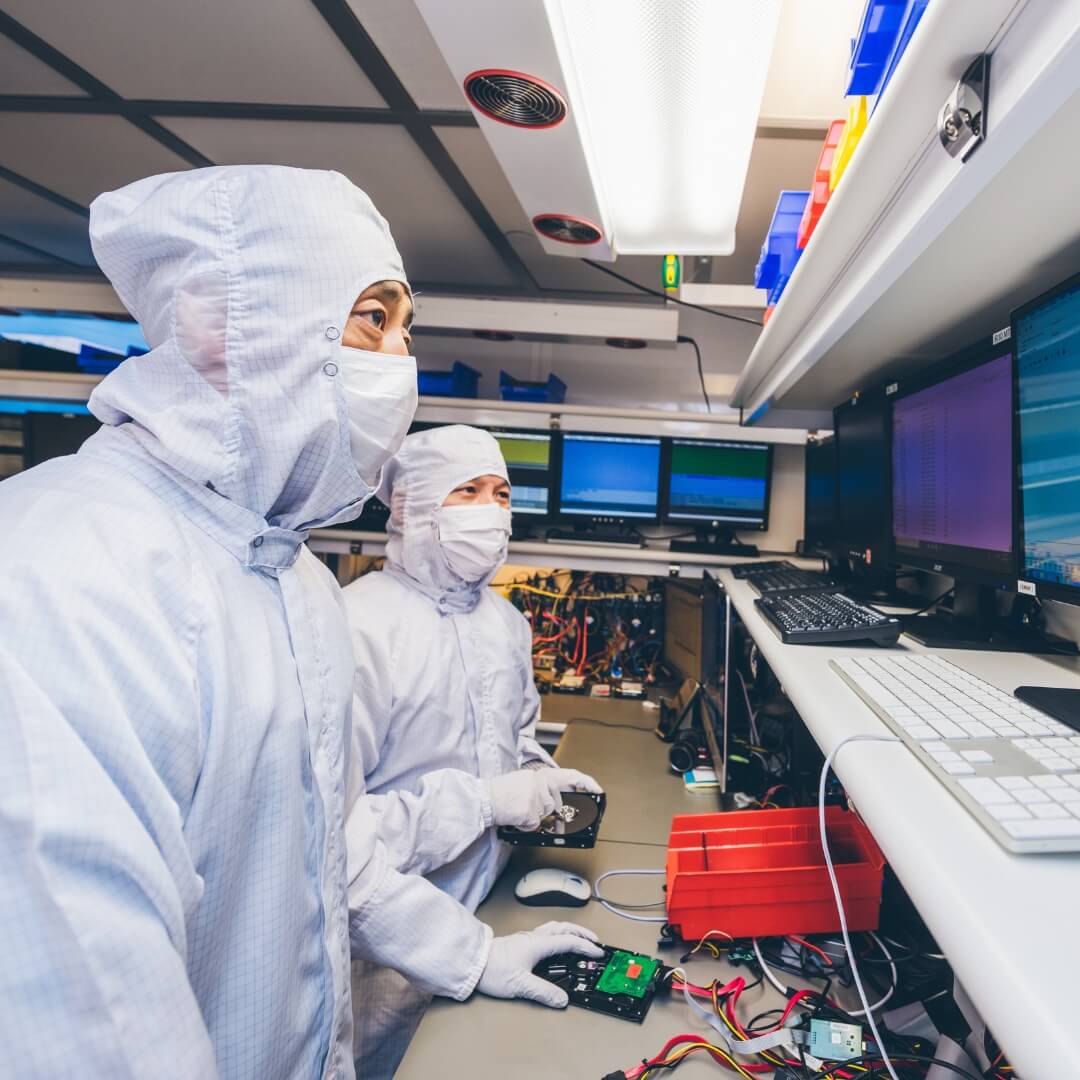
Yes. Traditional hard drives can never be opened in a normal room, as a single speck of dust can destroy the data platters. DriveSavers operates a certified ISO Class 5 (Class 100) Cleanroom environment. This laboratory mimics the exact dust-free standards used in semiconductor manufacturing, allowing our engineers to safely open and repair mechanical drives.
Yes. When you delete a file or format a camera card or hard drive, the data often remains physically hidden on the storage media until it is overwritten by new files. If you have accidentally deleted critical folders, stop using the device immediately so the system doesn’t write new data over your lost files, and call in for logical data recovery.
No. DriveSavers is an authorized data recovery provider for all major computer, smartphone, and storage drive manufacturers, including Apple, Western Digital, Seagate, Dell, and HP. Utilizing our cleanroom data recovery services will not void your original factory hardware warranty.