


Hybrid and Fusion Drives Explained
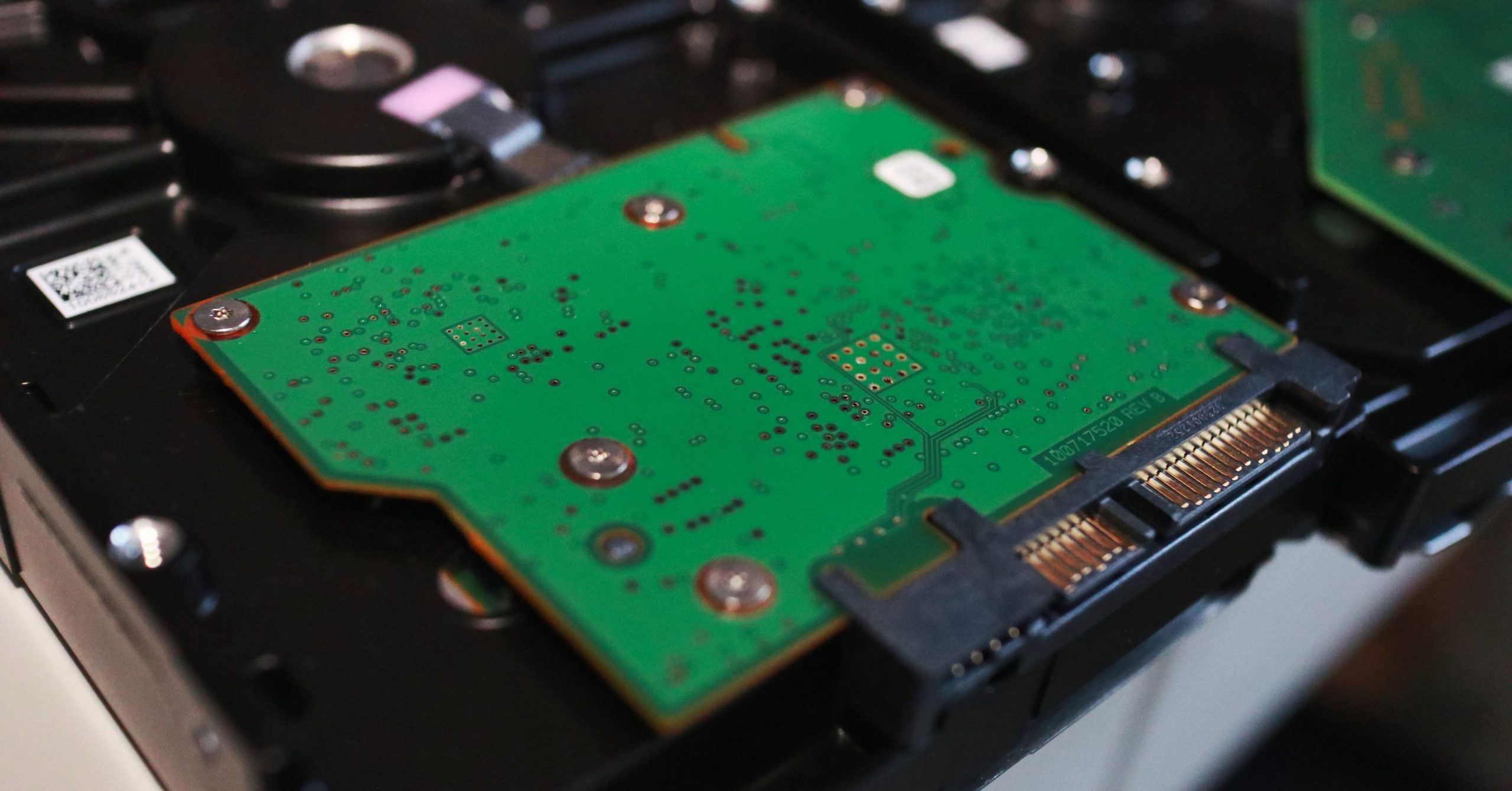
Image: Flicker
To get the best of the past and the future in storage technology, look no further than hybrid and Fusion drives.
These are both complex storage solutions that combine two completely different technologies to give customers more speed with larger capacity.
Hybrid
An SSHD (solid state hybrid drive) combines the speed of a solid-state drive (SSD), which stores data on memory chips, with the storage reliability and capacity of a conventional spinning hard disk drive (HDD), which writes data to spinning platters.
In this setup, the drives work together as a team. The SSD—which is smaller and faster than the HDD—serves as a cache for the data stored on the normally larger hard drive.
Fusion
Apple introduced its version of the hybrid drive, called Fusion Drive, four years ago.
The Fusion setup, like the hybrid drive, utilizes both an SSD and an HDD connected separately inside the computer. Information accessed most frequently is stored on the faster SSD while less frequently needed information is stored on the slower conventional HDD.
The Apple computer operating system manages the combined operation of both drives and oversees where information is kept across the entire system.
Data Recovery Possibilities
In both Fusion and hybrid devices, if one portion fails, access to the data on both is lost. But not forever.
Years of experience working with flash technology and leading storage manufacturers gives DriveSavers the edge to innovate and quickly overcome the data recovery challenges associated with Fusion and hybrid drives.
Whether you’re a Mac or PC user, DriveSavers can recover data from broken or malfunctioning hybrid and Fusion drives. Both parts of the system are needed to obtain the most complete results through data recovery, since important data is stored on both the SSD and HDD.
The moral here? Send the entire SSHD device and both parts of a Fusion drive to DriveSavers for the very best chance of a successful outcome.
