


What Happens When a Smartphone Gets Wet?
When a Smartphone Gets Wet?
Water doesn’t usually kill a phone. Electricity does. Current, supplied by the phone’s own battery, can find a path through water to components never built to carry it. That’s the fact underneath almost everything else here: the first damage from a wet phone often comes not from the liquid itself, but from what happens when electricity meets it. That’s why the first move is always to cut the power, not to dry the phone.
What to Do If a Phone Gets Wet
If your phone was already backed up before it got wet, your data is safe, and if the phone can be professionally dried and cleaned, it may be able to be returned to service rather than replaced.
If it wasn’t backed up, cutting the power now still comes first. Your response in these next few minutes could be the determining factor in whether the data is recoverable.
- Turn it off immediately.
- Don’t plug it in or try to charge it.
- Remove the case and SIM tray if possible.
- Skip the rice. Rice can cause additional issues.
- If the data matters, send it to a professional recovery service. Otherwise, have it professionally cleaned as soon as you can.
Cut the power immediately. This breaks the circuit before current can find a path through the water and short something out. The memory, data circuits, and other flash components are all at risk. Do not attempt to open the phone; nearly all modern smartphones are sealed, and opening one yourself is likely to cause further damage rather than prevent it.
Never try to charge a wet phone or power it back on once it’s failed. If your phone shows a “Liquid Detected” alert, take it seriously. There’s still moisture in the charging port. There’s also a safety dimension beyond data loss: a lithium-ion battery compromised by water can swell, overheat, or in rare cases vent or ignite, particularly if the device is powered on or charged while still wet. That’s one more reason to cut power and leave it off.
Dry what you can, then get it to a professional as soon as possible. Remove any case, and if your phone has a physical SIM tray, pop it out. This gives trapped moisture an escape path instead of staying sealed against the phone. Wipe the outside with a paper towel, gently tap it with the charging port facing down to help water drain, and leave it in a warm, dry spot with good airflow, not the oven, and not in front of a hair dryer. A fan or, in humid conditions, a dehumidifier can help. But drying the outside of the phone is far less important than getting it to a professional quickly. Surface drying doesn’t remove the moisture trapped inside the phone, where corrosion continues.
Skip the rice. Rice absorbs surface moisture, but it doesn’t reach the internal components and connections that actually matter. Rice particles and dust can also work their way into the device and add to the problem rather than solve it. If the phone happens to power on after a stint in rice, the moisture that’s still inside will keep corroding connections, and the phone is likely to fail again.
What Your Phone's Water-Resistance Rating Doesn't Tell You
Over the past five years, calls to DriveSavers about water-damaged smartphones have climbed more than 50%. Roughly one in six calls we take during the summer now involves liquid damage, even though nearly every current phone carries a water-resistance rating, usually expressed as an IP, or Ingress Protection, rating.
That rating is earned under conditions your phone will probably never actually face. It’s tested in still water, but diving into a pool or getting caught in a wave creates pressure that can force water past seals. It’s tested with fresh water, not chlorinated pool water or seawater, both of which are far more corrosive. The seals themselves also degrade over time. Repeated exposure to high temperatures gradually softens the adhesive holding the seals in place. Drops and everyday impacts can create cracks too small to see, and even the steady pressure of being carried in a pocket every day works against the seal over months of use. IP ratings are real and accurately measured, but they’re based on a pristine device tested under controlled, fresh water laboratory conditions, not on the phone in your pocket after months of drops, heat, and daily wear.
What's Happening Inside a Wet Phone
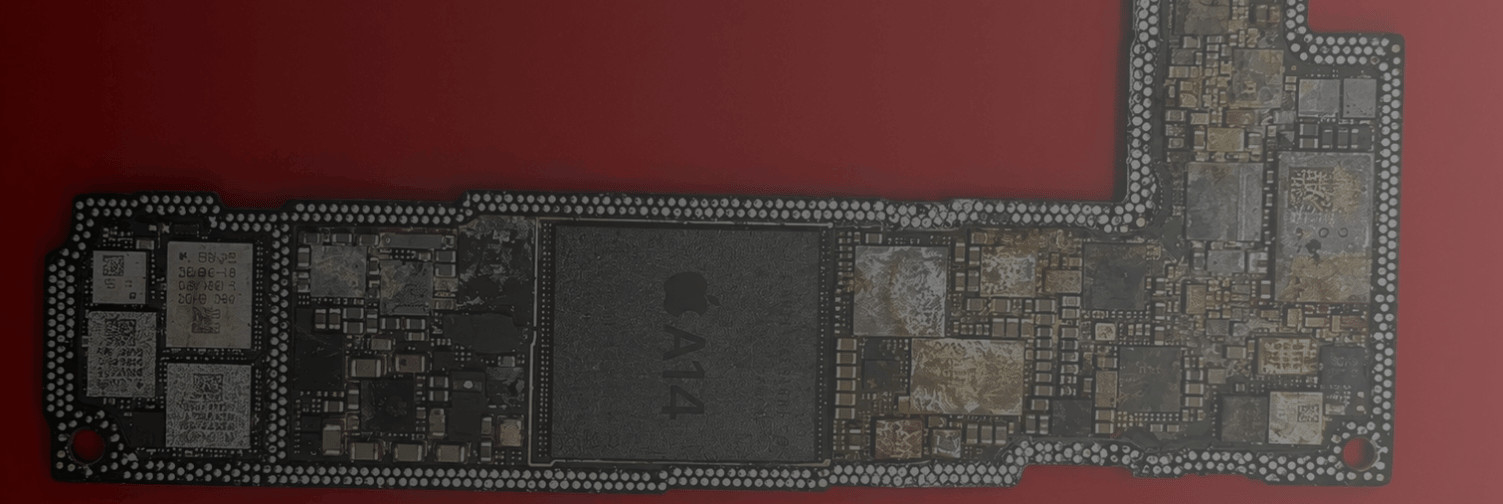
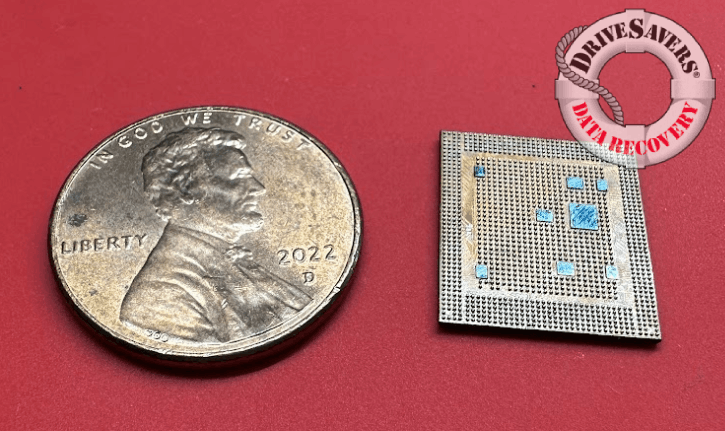
Inside every smartphone is a printed circuit board carrying thousands of components, but only a handful determine whether recovery is possible at all: the memory chip, where the data itself is physically stored, the CPU, and the logic EEPROM. If any of those three is damaged beyond repair, there’s no path forward, regardless of the condition of everything else on the board.
That’s part of why powering on or charging a wet phone is so risky. A short can originate almost anywhere, in a capacitor, a resistor, a solder connection, and travel from there to one of the three components that actually hold or process the data. Damage to the rest of the board can often be resolved. Damage to the memory chip, CPU, or logic EEPROM usually isn’t.
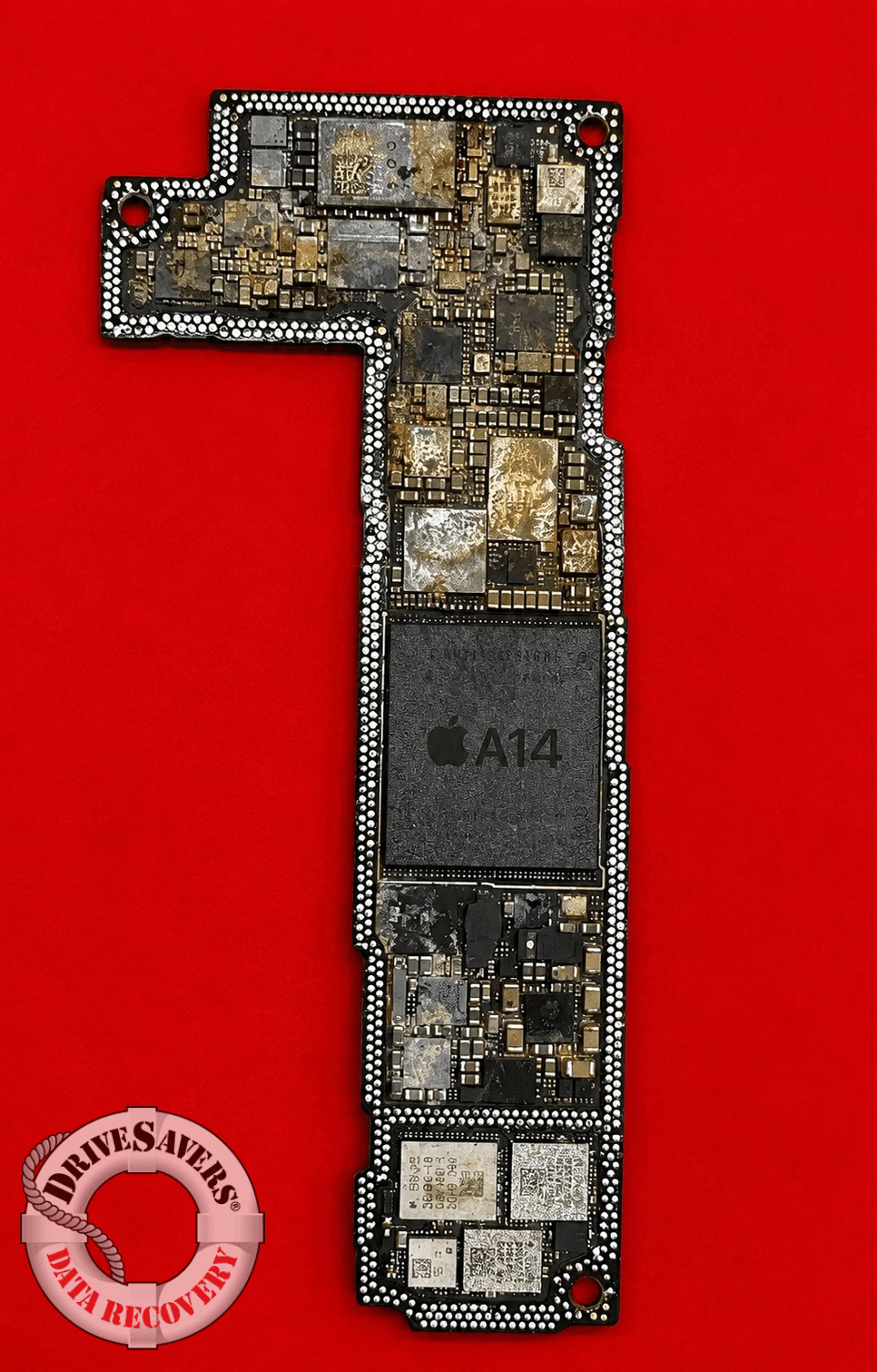
Corrosion doesn’t always look the same. Sometimes it shows up as a crusty buildup of green and white deposits, easy to spot once a board is open. Other times it’s a sludgier layer of gunk underneath a chip, a mix of contaminants and corrosion byproduct. Corrosion can also bridge connections that were never meant to touch, creating a short.
The opposite case is harder to solve. Corrosion can erode a connection until it’s simply gone. A missing solder ball underneath a BGA chip, corroded away entirely, leaves no short to trace and no heat signature to follow. The connection is critical, and it’s just not there anymore.
DriveSavers uses X-ray technology to see damage hidden underneath components. Many of the critical chips on a phone’s board, including the memory chip, are BGA components, ball grid arrays, which connect to the board not through visible pins on the edge but through a grid of tiny solder balls on the underside of the chip itself. That underside, sandwiched against the board, is one of the places corrosion and debris can collect completely out of sight. The X-ray lets us see what’s happening in that hidden space before any microsoldering begins, so the work we do on the board is targeted rather than exploratory. The recovery work itself is done under a high-power microscope.
Why Dissolved Minerals Matter
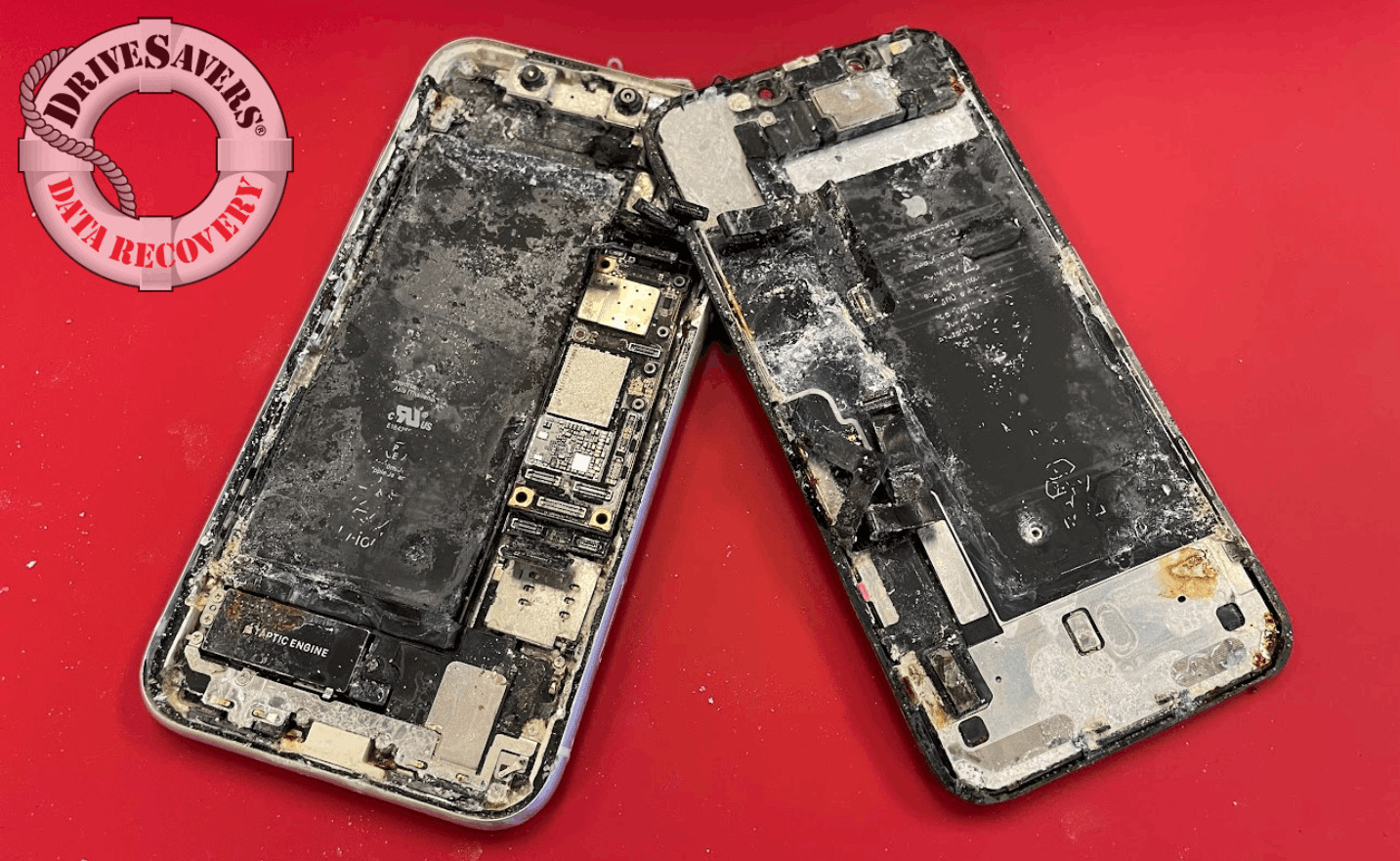
Pure water is actually a poor conductor of electricity. What accelerates corrosion is what’s dissolved in it. Salt water, pool water, and even ordinary tap water all contain dissolved minerals and ions that conduct electricity far more readily than pure water. Chlorides, particularly those found in seawater, also react aggressively with the metals on a circuit board, accelerating corrosion. That’s why an ocean dunk tends to produce faster, more severe corrosion than the same phone dropped in a sink of clean water, even given the same amount of time.
If your phone was already backed up before it got wet, your data is safe, and if the phone can be professionally dried and cleaned, it may be able to be returned to service rather than replaced. If it wasn’t backed up, cutting the power now still comes first. Your response in these next few minutes could be the determining factor in whether the data is recoverable.
The condition of the phone
Degraded seals and any existing cracks or frame damage both accelerate the process.
What kind of liquid it was
Salt water and pool water conduct electricity and corrode metal far more aggressively than plain tap water (more on why below).
How the incident happened
A quick splash, a brief dunk, and an extended submersion all leave the phone in very different states.
What happened afterward
Humid conditions or a bag of rice both extend the time the phone spends wet on the inside, which extends the window for corrosion to do damage.
Because of that, there’s no reliable countdown to give you. The only response that works across all of these variables is to act immediately rather than wait and see.
Time and condition matter, but they’re not a hard cutoff. We’ve recovered data from boards where a short circuit burned hot enough to burn straight through the PCB. We’ve also recovered data from phones submerged in salt water for months, where the CPU had begun delaminating and some of its solder pads, each roughly a quarter of a millimeter across, about half the width of a grain of sand, had to be rebuilt one at a time. The longer a device sits and the worse the corrosion, the harder the recovery and the lower the odds, but harder and lower odds are not the same as gone.
Back up your phone to at least two places, for example, a computer and the cloud, no matter what other precautions you take. Waterproof cases and bags can add a layer of protection, and it’s worth remembering that manufacturer warranties don’t cover liquid damage, regardless of a phone’s water-resistance rating.
DriveSavers recovers data from hundreds of iPhones, Androids, and other smartphones every month, from every type of liquid damage situation. If you’ve dropped your phone in the ocean, a pool, a toilet, or anywhere else, call us 24/7.

 English (United States)
  English (Australia)
  French (France)
  English (UK)
  French (Canada)
  English (Canada)
  Spanish (Mexico)
  German
  Dutch
Dutch  Italian
  Finnish
  Polish
  Norwegian
  Swedish
  Danish
  Spanish (Spain)
  Chinese
  Japanese
  German (Austria)