
Australia's Trusted iPad Data Recovery Service


Decades of Experience with Apple Devices
After nearly four decades in the business, DriveSavers has successfully recovered data from every kind of Apple device, from the earliest Macs through to the newest releases.
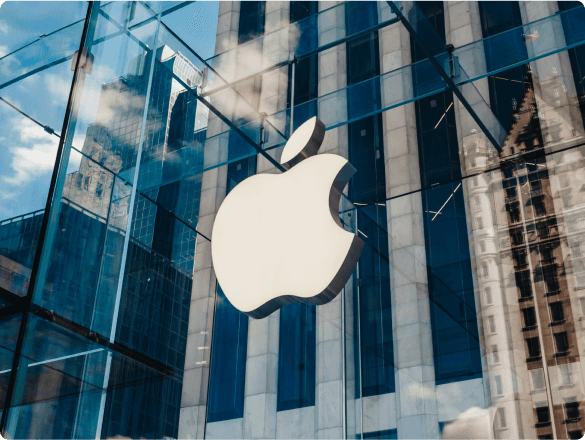
With Apple leading the global shift to NAND flash devices and SSDs, their recent laptops, smartphones, and tablets are widely used in professional settings. DriveSavers iPad and iOS data recovery services are optimally positioned to recover lost data from these prevalent storage mediums, providing a crucial solution for professionals who rely on these devices for critical information.
Hundreds of Thousands of People Count on DriveSavers




Companies Worldwide Count on DriveSavers
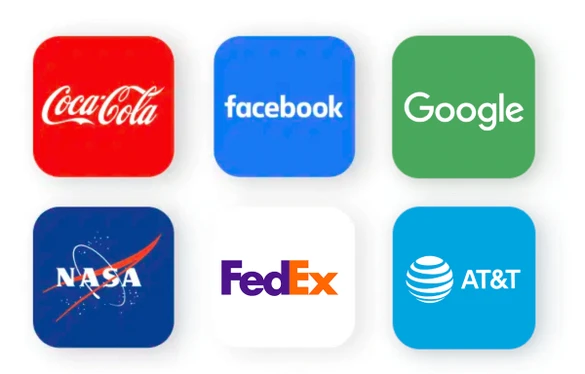
DriveSavers supports over 20,000 data recovery business partners worldwide. Your business could be one of them! Some of our satisfied customers include companies such as Coca Cola, Facebook, Google, AT&T, Sony, NASA, and many others.
Fast, Reliable, Secure
What you get with DriveSavers:
24—48 Hours
Industry-leading 24 to 48 hour turnaround on our Standard service.
Diverse Service Options
Pick the service level that suits your deadline and your recovery.
Call 24/7
Call our Australian team and talk straight to an expert Data Recovery Adviser.
Transparent Pricing
Your first quote stays the same: no surprise charges and nohidden fees for services or parts.
Certified Secure
Your data is handled in line with Australian privacy requirements and will remain in Australia.
First to Successfully Perform iOS Data Recovery
DriveSavers pioneered the iOS field by becoming the first to successfully recover data from an iPhone. Our expert engineers have extensive experience with iOS technology and adeptly recover data others deem lost. We specialise in flash media recovery for iPad, iPhone, and all Mac computers. Trusted by hundreds of thousands of customers, we ensure data integrity and security, vital for all consumers and industries worldwide.
Our engineers bring unmatched expertise, a fast response and a proven track record. Protect your personal data by choosing specialists known for excellence in Apple product recovery.
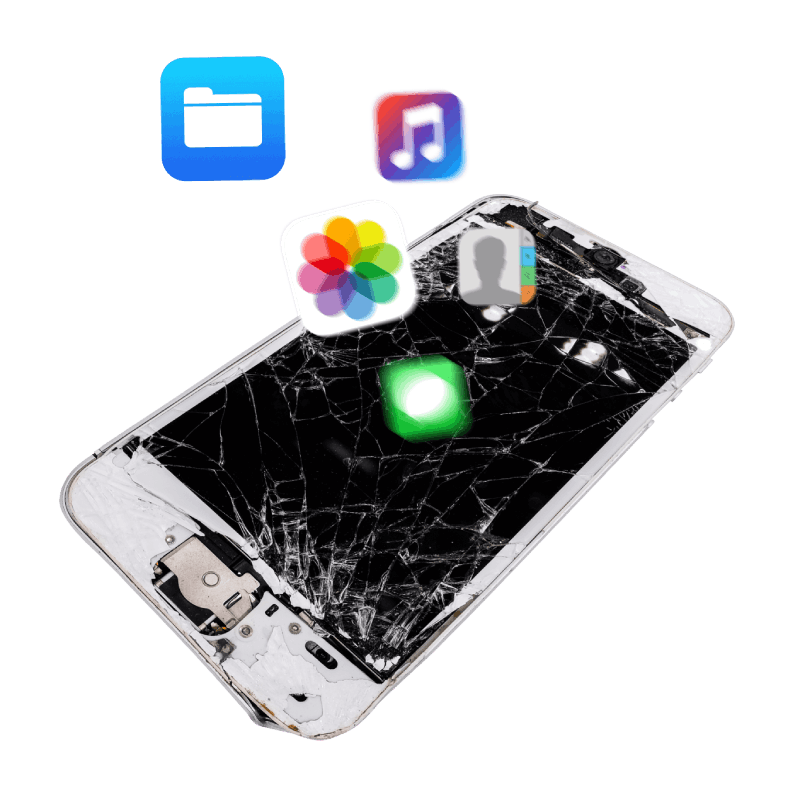
‘Always avoid off-the-shelf data recovery software or tools. Such approaches could further damage the device and potentially make data unrecoverable.’

Mike Cobb
Director of Engineering
DriveSavers Data Recovery
We Can Save It!®
Every failed drive is different, and running DIY recovery software can make things worse. So DriveSavers builds its own tools and methods to tailor each recovery to the situation, including:
Logical Problems
- Deletions
- Reformatting
- Infection
- Corruption
Physical Damage
- Dead Battery
- Broken Media
- Dropped
- Crushed
- Water Damage
Natural Disasters
- Fire
- Flood
- Cyclone
- Bushfire
- Earthquake
Manufacturer Approved
Leading storage media manufacturers authorise DriveSavers to open sealed drives without voiding their warranty, so you can still receive an in-warranty replacement device from the manufacturer.
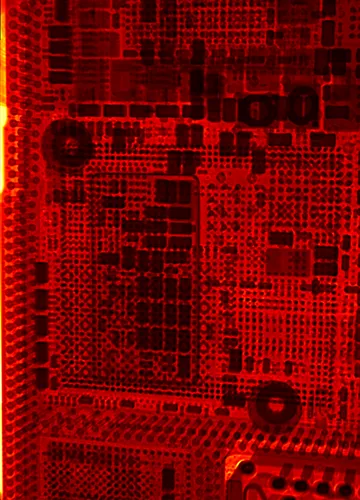
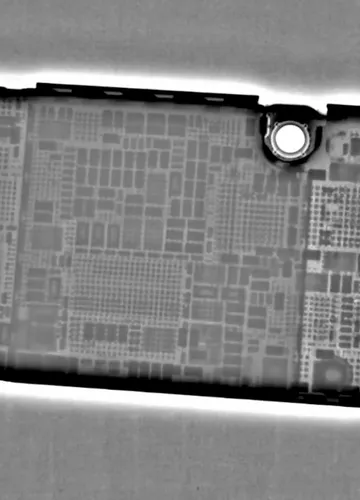
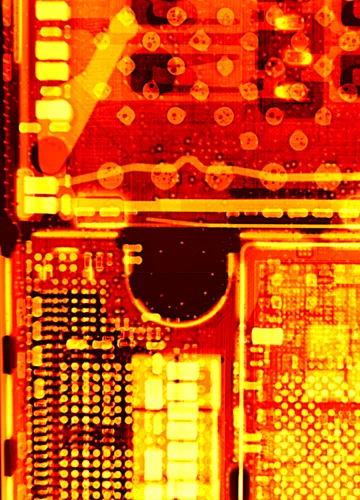
X-Ray Technology
X-ray technology lets our engineers diagnose a failing drive precisely, finding hidden irregularities and critical damage without putting the device at risk. We use it to confirm suspected component failure, extend what we can recover and validate our ball grid array(BGA) rework. No other data recovery lab has this technology in-house.
Data Security
During Data Recovery
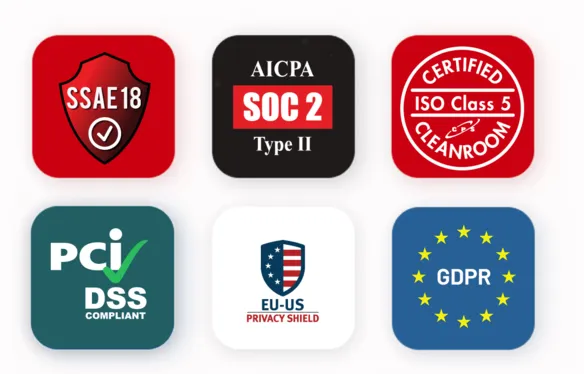
Anyone can say they're secure. DriveSavers can show it: SSAE 18, SOC 2, ISO Class 5 Cleanroom and PCI DSS, with your data handled under Australian privacy requirements. See the proof.
Haven’t Got an iCloud or iTunes Backup?
Data recovery for iPad and all iOS devices. We can retrieve or restore treasured family photos and lost iTunes library data from all iOS devices, including iPad, iPhone, and iPods.
Error 14 and 1110 on iPhone and iPad
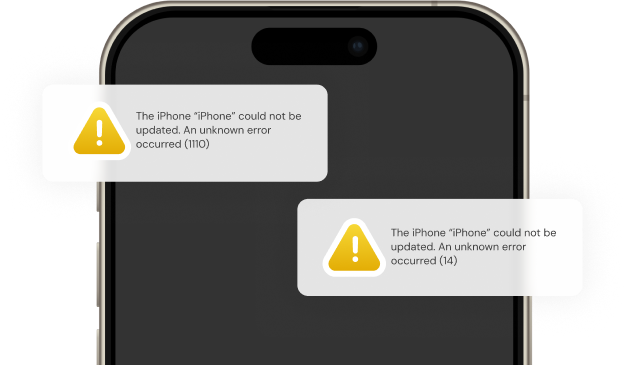
Error 14 and Error 1110 on an iPad or iPhone indicate that the device’s storage is at capacity. Many iPad users try restoring the data from their iPad using iTunes or iCloud. However, this method is effective only if there’s a preceding backup. Without a recent iTunes or iCloud backup, attempting to restore data in this way can make that data irretrievable, leading to permanent loss.
Our first-of-its-kind service uses specialised technology and methods for iOS devices, and it’s aimed at people who’ve lost invaluable data, especially from phones that are bricked or stuck in a reboot loop after an update attempted with too little storage space.
Got irreplaceable photos, messages or contacts on a device showing Error 14 or 1110? Reach out to DriveSavers.


We Treat all of Our Customers Like Celebrities and
Some of Them Actually Are

Call DriveSavers Day or Night
We'll send you a complimentary shipping label to our Australian data recovery centre in Brisbane and keep you informed every step of the way. Once our evaluation is complete, our dedicated local team will contact you with the results and a clear quote for your data recovery service. If your data cannot be recovered — or if you decide not to proceed — you won't pay a cent.
 English (United States)
 English (Australia)
 French (France)
 English (UK)
 French (Canada)
 English (Canada)
 Spanish (Mexico)
 German
 Dutch
 Italian
 Finnish
 Polish
 Norwegian
 Swedish
 Danish
 Spanish (Spain)
 Chinese
 Japanese
 German (Austria)