

What Does “Boot Device Not Found” Mean and How Can You Fix it?

It’s a bright morning and you’ve decided today will be a good day. You get ready, enjoy your coffee, skip the news and your phone so nothing can sour your mood, then make your way to the office. Once you’re seated and settled in, you turn on your computer.
But there’s a problem. As the screen comes on, an error appears: “boot device not found”. Really? On a morning that started out so well, your computer won’t work, and what does “boot device not found” mean anyway? It sounds frightening, yet the issue can usually be fixed.
“Boot device not found” errors are quite common. There are several possible explanations, but the result is always the same. Even if you can’t resolve it, a data recovery company like DriveSavers can help you get your data back. We’ll come to that later.
For now, let’s look at what a “no bootable device found” error is, what causes it and what you can do about it.
What is a Boot Device Not Found Error?
You’ve most likely never thought about the vital job the boot device does, until it failed. When your computer reports that the boot device is not found, it can’t locate the hard drive that contains the instructions for loading your operating system. You know the drive is in there, because you haven’t pulled the computer apart and taken it out. And you’re pretty sure no one has pulled a cruel prank on you. So what’s the story?
When you press the power button, the BIOS will usually recognise the boot device and use its software to start the computer’s operating system. If those start-up instructions aren’t there, the computer is stuck, and you’re probably looking at a black screen and a blinking command prompt.
What Causes No Bootable Device to be Found?
Your computer can show a “no bootable device found” error for a few reasons. Four of the most common are below.
Hard drive failure
The boot device is generally part of the computer’s internal hard drive. A malfunctioning or corrupt hard drive means a malfunctioning or corrupt boot device. The BIOS can’t recognise start-up software on a faulty drive, so it believes there is no boot device.
Read also: Major Signs and Causes of Hard Drive Failure (Here’s What To Do)
SATA / IDE cable problems
Occasionally the cable between the hard drive and the motherboard malfunctions or comes disconnected. The BIOS then can’t communicate with the boot drive, and tells you no bootable device was found.
Read also: What is SATA, IDE, AHCI and RAID?
Boot Sector or Partition Table Corruption
If a disc’s metadata is corrupt, the hard drive partition that holds the operating system may look empty to the BIOS. It then treats the boot drive as missing and returns a “no bootable device found” error.
Read also: Partition External Hard Drives: A Guide to How & Why
Configuration Errors
Did you recently update your operating system, or make a big change to the software on your computer? The BIOS may be confused as a result. It can try to boot from the wrong drive, find no software to start the computer and display the “no bootable device found” error.
Can You Fix a Boot Device Not Found Error?
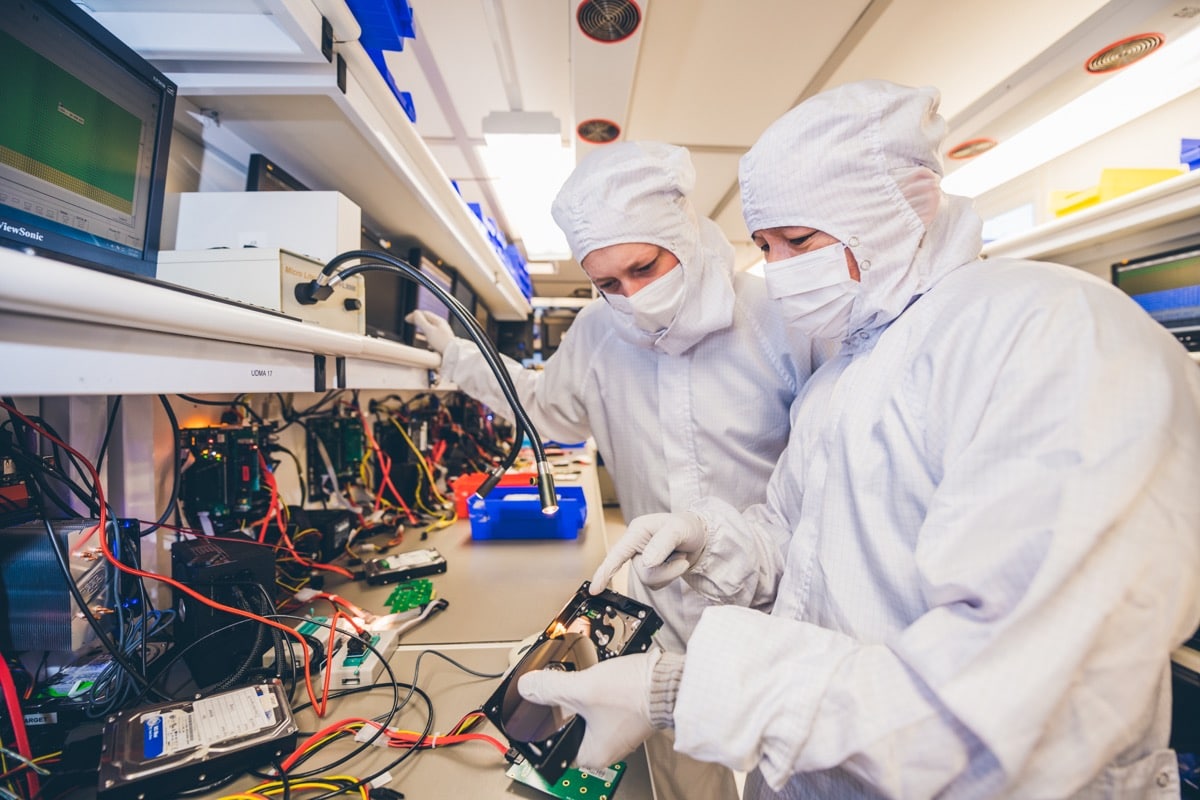
How easily it can be fixed depends on the cause, and you may be able to solve it quickly. When the hard drive is the problem, it will need to be replaced with a new one. There’s no need to worry: if you need your digital data from the failed drive, DriveSavers can recover it and get you back to work fast.
Here are a few straightforward steps you can take yourself that might clear a boot device not found error.
Check the Connections
The SATA/IDE cable came up in the previous section, and it’s a good place to start. Check that it’s plugged in and secure. This isn’t a common cause, but it’s worth a look, since the error can go away just by plugging the cable back in.
Check Your Computer’s Settings
Check that the BIOS is looking at the correct boot drive. Most computers have more than one disc, and when the BIOS isn’t set to load the right drive first, a boot device not found error is the result.
Read also: Hard Drive Not Being Detected? What To Do.
If neither option clears the error, you’re probably dealing with a bigger problem such as hard drive failure. In that case, we hope you took our advice and have been following the 3-2-1 method of backing up your data..
If you haven’t, don’t give up. Our technicians can pinpoint what is causing a boot device not found error and recover your data safely and efficiently. Get in touch with DriveSavers today for the help you need.


 English (United States)
 English (Australia)
 French (France)
 English (UK)
 French (Canada)
 English (Canada)
 Spanish (Mexico)
 German
 Dutch
 Italian
 Finnish
 Polish
 Norwegian
 Swedish
 Danish
 Spanish (Spain)
 Chinese
 Japanese
 German (Austria)