


Apple Turns 50: DriveSavers Has Been Providing Mac Data Recovery Since 1985
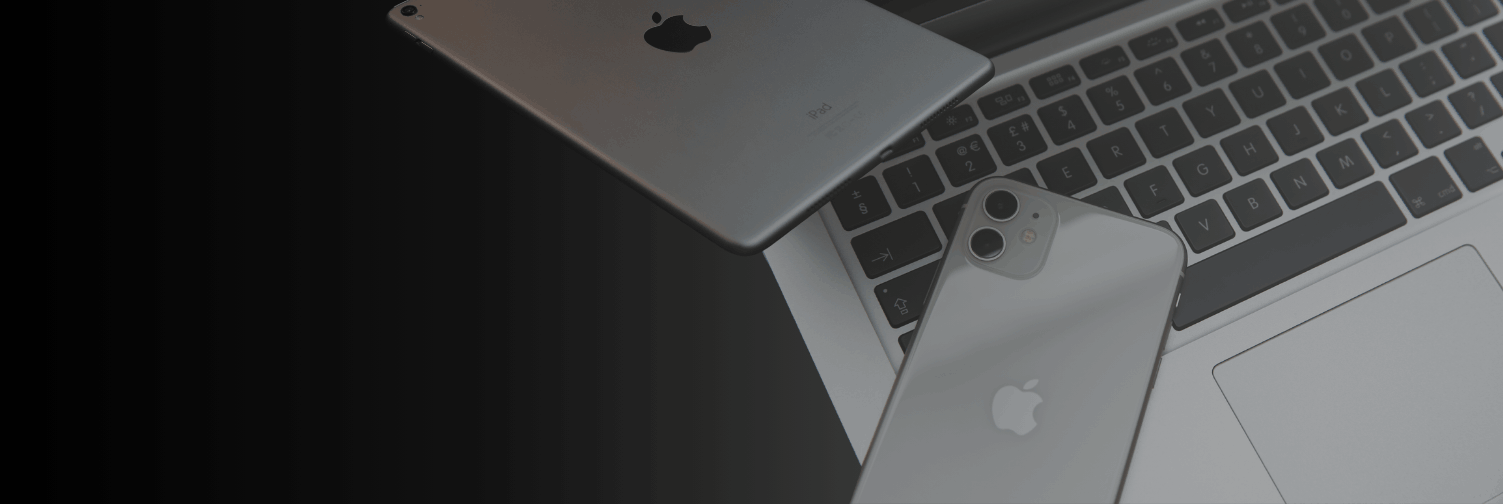
Apple’s 50th anniversary lands on April 1, 2026. For a company that has redefined personal computing, mobile technology, and consumer electronics across five decades, it’s a milestone worth acknowledging. At DriveSavers Data Recovery, we have a particular connection to this moment. We were founded in 1985, just nine years after Apple, and Mac data recovery has been central to our work from the very beginning.
As Apple’s products evolved, so did our ability to recover data from them. Every architectural shift Apple made, from spinning hard drives to flash storage to the M-series chips, required our engineers to develop new techniques to keep pace. Here’s what 40 years of recovering Apple data actually looks like.
When Apple was founded on April 1, 1976, personal computing was still in its earliest days. The Apple II arrived in 1977. The original Macintosh launched in 1984, one year before DriveSavers opened its doors. From the beginning, Apple built products that people relied on for work, creativity, and communication. As people relied on these devices to store critical data, data recovery eventually became part of the story.
Apple’s 50th anniversary marks five decades of storage technology evolution: from spinning hard disk drives to solid-state NAND flash and now the fully integrated system-on-a-chip architecture of Apple Silicon. Each transition has introduced new data recovery challenges. With every shift, DriveSavers has proactively developed solutions, often anticipating these technologies before they even arrive in the lab.
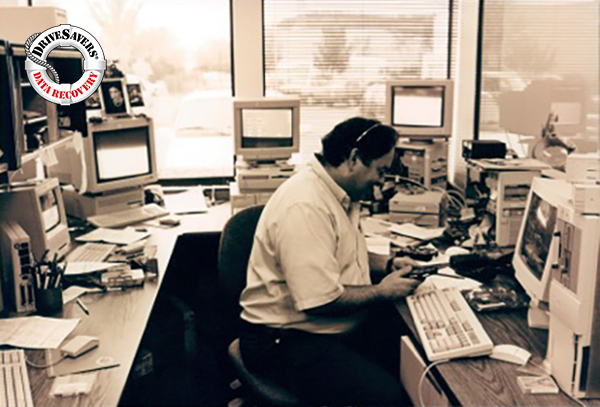
DriveSavers has recovered data from every generation of Mac, from the original 128K Macintosh through the current Apple Silicon lineup. The device types span the full range: MacBook Air, MacBook Pro, iMac, Mac mini, Mac Pro, and Mac Studio. The causes of data loss span an equally wide range: physical damage, liquid exposure, fire, failed OS updates, accidental deletion, ransomware, and hardware failure.
Mac data recovery today looks nothing like it did in 1985. The challenge has grown considerably more complex, and so have our capabilities.
Early Mac hard drives were conventional spinning platters. Recovery techniques were demanding but followed well-established principles. When Apple began the shift to NAND flash storage, first in the iPod, then in the iPhone, and later in MacBooks and iMacs, the rules changed. Flash memory has entirely different failure modes, and recovering data from it requires different tools, different expertise, and significant ongoing research and development.
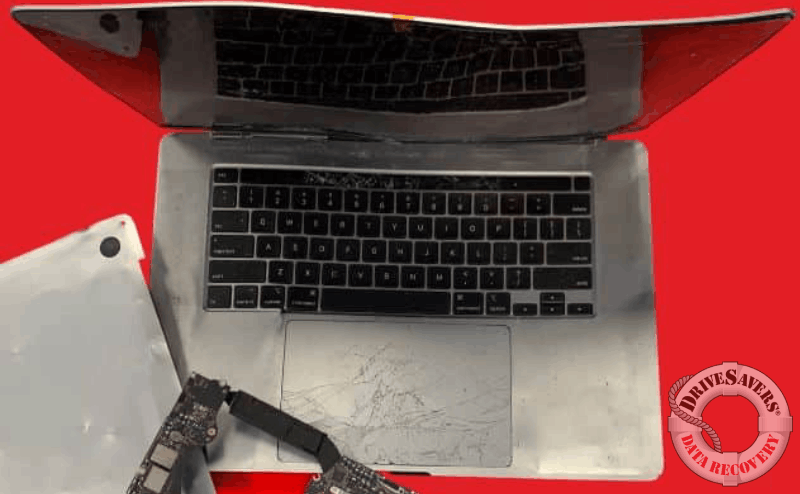
The move to Apple Silicon accelerated that complexity further. The M1 chip, introduced in late 2020, integrates the CPU, GPU, memory controller, and security architecture into a single system-on-a-chip (SoC), while storage remains on separate NAND flash chips that are tightly integrated and cryptographically paired with the system. With hardware-verified secure boot and automatic encryption, data is no longer accessible without the original hardware environment. In 2022, DriveSavers became the first data recovery company to successfully recover data from catastrophically failed M1 and T2 devices, transplanting critical microchips from severely damaged logic boards to functional boards to access data that would otherwise be unrecoverable.
When Apple introduced the iPhone in 2007, it changed how people store and access data. It also created an entirely new category of recovery challenge. DriveSavers was the first company to successfully recover data from an iPhone. That was the starting point for what iOS data recovery has become as a field.
Since then, DriveSavers engineers have recovered data from every iPhone model and every iPad generation. The stakes have risen alongside adoption. For many customers, their iPhone or iPad holds years of photos, irreplaceable messages, or business-critical files with no backup anywhere.
Mac data recovery isn’t a single process. It varies significantly depending on the device, the storage type, and the nature of the failure. Understanding the difference matters because the wrong first response can make data permanently unrecoverable.
Logical failures happen when the storage hardware remains functional, but the data is inaccessible. Causes include accidental deletion, file system corruption, failed OS updates, and partition damage. Although there is no physical damage, these scenarios can be highly complex, particularly on modern Apple systems with encryption and tightly integrated storage architectures. Improper handling can permanently overwrite or destroy recoverable data. For that reason, all DriveSavers recoveries are performed in a controlled lab environment using specialized tools and techniques designed to preserve data integrity.
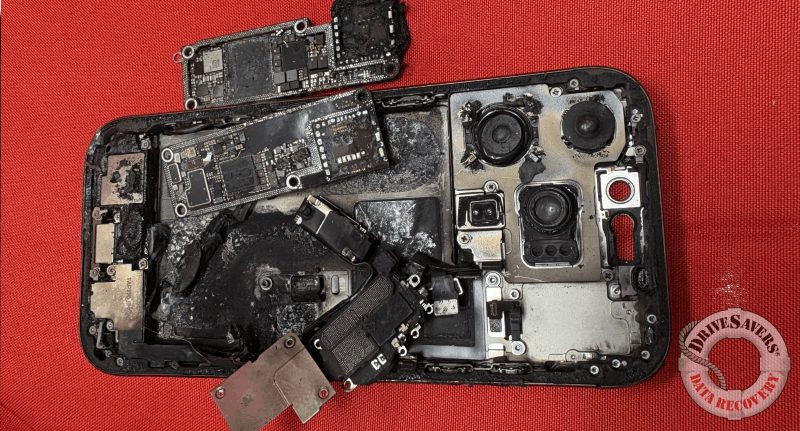
Physical failures occur when the hardware itself fails. Older spinning hard drives that suffer head crashes, or any Mac that has experienced liquid damage, fire, or significant impact, fall into this category. Hard disk drive (HDD) recoveries with physical damage require a cleanroom environment, where the drive can be opened and serviced under controlled conditions to prevent further contamination.
Chip-level failures are the most technically demanding category. As Apple moves toward more integrated storage architectures, the logic board, storage components, and security systems are increasingly intertwined, which raises the stakes when something goes wrong at the hardware level. When a MacBook’s logic board fails catastrophically, the NAND storage chips may still be intact even when the board isn’t, but the data they contain is encrypted and cryptographically tied to the original system. Recovering that data requires more than preserving the memory chips themselves. It involves microsoldering expertise and, in some cases, transplanting multiple critical components to a functioning board in order to recreate the conditions necessary for secure access.
DriveSavers is one of the very few data recovery companies in the world with X-ray technology in its lab, which we use to identify failures in flash storage chips and packaging at the silicon level. This capability is particularly valuable for Apple Silicon devices, where the tightly integrated storage and security architecture leaves very little margin for error.
This is true for both physical and logical issues. If your Mac isn’t powering on, is making unusual sounds, or shows signs of physical damage, stop using the device immediately. In cases like accidental deletion or file corruption, continued use can overwrite recoverable data. When the data matters, it’s best to pause and contact a professional before trying anything else.
DriveSavers is listed on Apple’s support website as a recommended data recovery service provider. That listing reflects a relationship built over four decades.
Sending your Mac or iPhone to DriveSavers for data recovery won’t void your Apple warranty. DriveSavers meets manufacturer standards and holds SOC 2 Type II security certification and HIPAA compliance, making it appropriate for enterprise customers, regulated industries, and individuals.
DriveSavers operates on a no-data, no-charge policy. There are no upfront fees to start a case, and if your data is not recoverable, there’s no charge. That policy applies to every Apple device we evaluate, from a water-damaged iPhone to a Mac with a failed logic board.
A free evaluation starts the process. Our advisors can provide a firm estimate based on the symptoms of your data loss before you commit to sending your device. You don’t need to ship anything to get an estimate.
Apple’s 50th anniversary is a genuine milestone. Across five decades, the products Apple has built have changed how people work, create, and communicate. That impact is real, and it’s worth marking.
DriveSavers has been part of that story since 1985. When Apple devices fail, and the data on them matters, we’re the team people call.
Need Mac data recovery? Contact DriveSavers at 1 (800) 440-1904 for a free evaluation and free shipping.
If the data is not recoverable, there is no charge.

 English (United States)
  English (Australia)
  French (France)
  English (UK)
  French (Canada)
  English (Canada)
  Spanish (Mexico)
  German
  Dutch
Dutch  Italian
  Finnish
  Polish
  Norwegian
  Swedish
  Danish
  Spanish (Spain)
  Chinese
  Japanese
  German (Austria)