

Before you do anything
Rebuilds, reinitialization and recovery software can overwrite the data you need. These three steps give our engineers the best chance.
Trin 1
Stop
Stop using the system. Every read, write, rebuild or restart can make recovery harder.
Trin 2
Power off
Shut it down and leave the drives where they are. Do not swap, remove or reorder them.
Trin 3
Ring til DriveSavers Dag og Nat
A data recovery advisor will tell you exactly what to do next, including whether your system can be evaluated remotely.
Drobo at a glance

Drobo firmware
Operating system
HFS+, NTFS and ext3
File systems
BeyondRAID
Storage type
5N, 5D, 5C, 8D and B810n
Common models
When a Drobo fails
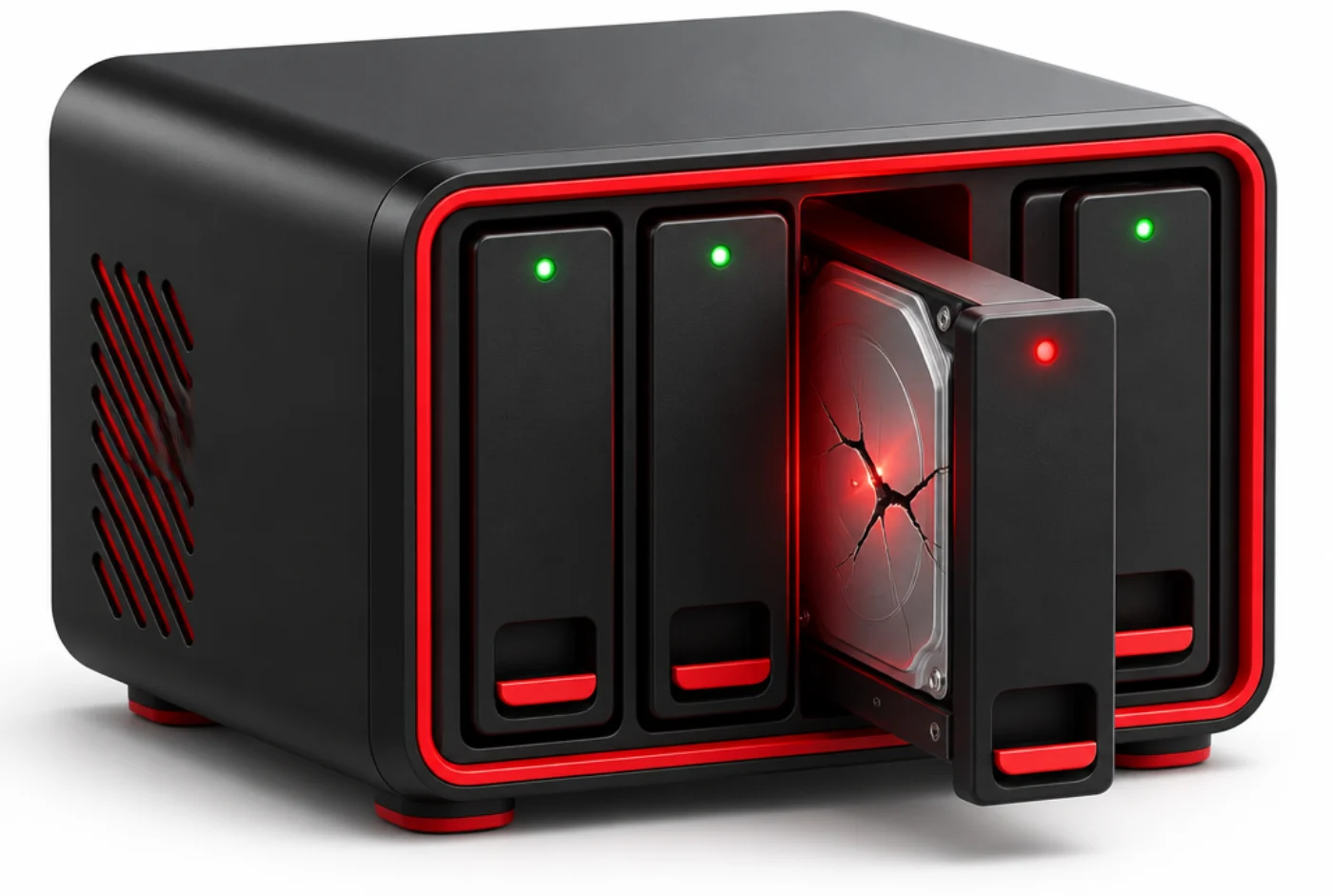
Drobo uses its own BeyondRAID layout, so a Drobo volume cannot simply be mounted on another system. When the unit or a drive fails, the data is still on the drives.
We image every drive, recover failed ones in our ISO Class 5 cleanroom and rebuild the volume on our own systems, never writing to your originals. Many logical failures can be evaluated remotely before anything ships.
Drobo failures we recover
Our engineers see these every week. Each one is recoverable when the device is left as it is.
Red or flashing lights
The Drobo shows red lights and data is not available.
Too many drives removed
The unit reports missing drives even with all drives in place.
Unit will not boot
The Drobo will not power on or stays in a startup loop.
Failed drive replacement
A drive swap or rebuild left the volume missing.
Volume will not mount
The Drobo powers on but the computer cannot see it.
Chassis failure
The enclosure itself failed and the drives cannot be read.
How we recover Drobo data
Drobo uses BeyondRAID, a proprietary layout that spreads data across mixed drive sizes. Standard RAID tools cannot read it. Our engineers evaluate every drive, open physically damaged drives in our ISO Class 5 cleanroom and image each drive on our own equipment.
We then map the BeyondRAID layout and rebuild the volume virtually on DriveSavers systems, so we do not depend on a working Drobo chassis. Your original drives are never written to.
You review a file list before anything ships, and your data comes back on encrypted media or by secure download.
Remote, onsite or in our lab
Not every array needs to leave your building. A data recovery advisor will help you choose the fastest safe option for your system and your security rules.
Often the fastest start
Remote evaluation and recovery
For many logical failures, such as a lost configuration, deleted volume or corrupted file system, our engineers can often evaluate the array remotely over a secure connection. No shipping, no downtime waiting on a courier.
For strict security rules
Onsite recovery
When data cannot leave your facility, engineers bring the lab to you. Onsite service covers any data loss scenario, including mechanical and physical damage.
Physical damage and most cases
In our certified lab
Most arrays come to our secure California facility, with an ISO Class 5 cleanroom for physically damaged drives and Economy, Standard or Priority service.
Hit by ransomware?
Ransomware increasingly targets NAS devices because that is where the data lives. Our engineers recover encrypted volumes, virtual machines, databases and backups, often without paying the ransom.
Isolate and power off
Disconnect the affected system from the network and shut it down. Do not wipe, restore over or reinitialize anything.
Call before you pay
Payment does not guarantee working decryption. Talk to a data recovery advisor about what can be recovered first.
Recover what matters
Encrypted arrays, VMs, databases and backup repositories, handled under our SOC 2 Type II audited controls.
How a NAS recovery works
From your first call to your data back, one engineer team owns your case.

1. Speak with a data recovery advisor
Call 800-440-1904. A data recovery advisor asks what happened and sets up the fastest safe start: a remote evaluation, onsite service or shipping to our lab.
2. Remote evaluation or free shipping
Many logical failures can be evaluated remotely over a secure connection, with nothing shipped. If the drives need our lab, we email a free shipping label and packing instructions.
3. Free evaluation
Engineers examine every drive and tell you what is recoverable, at no cost.
4. Approve your quote
Nothing happens until you say yes.
5. Recovery in the lab
Cleanroom work where needed, full imaging, then the array is rebuilt on our own systems.
6. Verify and return
Check a file list before anything ships. Your data comes back encrypted.
Why people send their NAS to DriveSavers
Over 40 years of recovering data from the systems businesses depend on.
siden 1985
Four decades of data recovery for businesses, government agencies and individuals.
ISO klasse 5 renrum
Drives are opened only in a certified cleanroom, so damaged drives are not made worse.
SOC 2 Type II audited
An annual third-party audit of our security controls, plus your NDA signed on request.
Manufacturer approved
Drive makers authorize us to open sealed drives without voiding your warranty.
Onsite and remote options
For systems that cannot leave your site, our engineers can work onsite or remotely.
Around the clock
Priority service starts the moment your drives arrive, 365 days a year.
- ISO Class 5-certificeret renrum
- Den højeste succesrate i branchen
- Fremragende kundeservice
- Vores mission siden 1985
ISO Class 5-certificeret renrum

ISO Class 5-certificeret renrum
DriveSavers driver branchens største ISO-certificerede renrum og benytter egenudviklet teknologi og udstyr til både almindelige og alvorlige datatab. Alle fysiske HDD-gendannelser udføres i et støv- og statikfrit miljø. Vores renrumsingeniører arbejder tæt sammen for at redde data fra beskadigede drev – med præcision og samarbejde.

Den højeste succesrate i branchen
Takket være vores interne forskningsafdeling og direkte adgang til producenter opnår vi gendannelse, hvor andre fejler. Vi håndterer flere enheder dagligt end mange centre gør på en hel måned.
Vi gendanner data fra alle enhedstyper: HDD, heliumdrev, SSD, smartphones (iPhone, Android), tablets, USB-drev, hukommelseskort og RAID-systemer.

Fremragende kundeservice
Datatab sker uventet. Men uanset tidspunkt – dag, nat, weekend eller helligdag – er vi klar til at tage imod dit opkald.
Hos os taler du altid med rigtige mennesker – aldrig robotter. DriveSavers har 97 % kundetilfredshed, bekræftet af tusindvis af anmeldelser på Google og Yelp.

Vores mission siden 1985
Vores mål er at gendanne dine data sikkert og hurtigt – og give dig en stressfri oplevelse. Vi betjener kunder over hele verden, herunder Fortune 500-virksomheder, små og mellemstore virksomheder og private brugere.
DriveSavers er den mest betroede datagendannelsesvirksomhed, og vi beskytter dine data med en sikker proces, som årligt revideres i henhold til SSAE 18 SOC 2 Type II og opfylder regler for sundhedssektoren, bank, undervisning og erhverv. Har du mistet værdifulde, uerstattelige data? We Can Save It!®
Every controller, NAS and file system
If it stores data on more than one drive, our engineers have recovered it.
Controllers and software RAID
NAS and SAN
File systems and volumes
Choose how fast you need it
Every service level gets the same engineers, cleanroom and security. You choose the speed.
Prioritet
Recovery begins the moment your drives arrive and continues evenings, weekends and holidays, 365 days a year.
Standard
Typically 1 to 4 business days, completed during normal business hours.
Økonomi
Typically 10 to 14 business days, for data that can wait.
Trusted by the companies that build the hardware
Manufacturers and platform makers recommend DriveSavers to their own customers.
Dell Technologies
Data recovery partner since 1998.

Western Digital
Platinum third-party data recovery partner since 1997.
VMware by Broadcom
Named for vSAN recovery in Broadcom KB 326764.
Manufacturer approved
Leading drive makers authorize us to open sealed drives without voiding the warranty.
Om SOC 2 Type II-revisionen
DriveSavers gennemgår årligt en SOC 2 Type II-revision af sine interne datahosting- og behandlingskontroller for at sikre, at vores datagendannelsestjenester opretholder de strenge datasikkerheds- og privatlivsprotokoller, der kræves af vores virksomhedskunder og offentlige myndigheder.
Our annual SOC 2 Type II audits are conducted by independent control professionals from IS Partners, LLC, a CPA firm specializing in information security and compliance. Audits are performed continuously on a twelve-month “look back” cycle to ensure our security controls strictly operate as intended year-round. Our full SOC 2 Type II report is available upon request.

Drobo questions
A data recovery advisor will tell you. In many cases we only need the drives, because we rebuild the BeyondRAID layout ourselves.
No. A different unit can try to rebuild or reformat the pack. Power off and call us.
Yes. Our recovery does not depend on Drobo support or a working chassis.
NAS recovery questions
It depends on the model and the failure. A data recovery advisor will tell you whether a remote evaluation is possible, or exactly what to send before anything ships.
No. Rebuilds, repair functions, reinitialization and recovery software can overwrite the data you need. Power the NAS off and call 800-440-1904.
DriveSavers undergoes an annual SOC 2 Type II audit. Every device is tracked from intake to return, and we sign your NDA on request.
Every NAS is different. The evaluation is free, and you approve the quote before any recovery work begins.
It depends on the number of drives, their condition and the service level you choose. You get a timeline after the evaluation.



 English (United States)
 English (Australia)
 French (France)
 English (UK)
 French (Canada)
 English (Canada)
 Spanish (Mexico)
 German
 Dutch
 Italian
 Finnish
 Polish
 Norwegian
 Swedish
 Danish
 Spanish (Spain)
 Chinese
 Japanese
 German (Austria)