


Data Safety Advice for Hurricane Harvey Victims
Par Mike Cobb, directeur de l'ingénierie
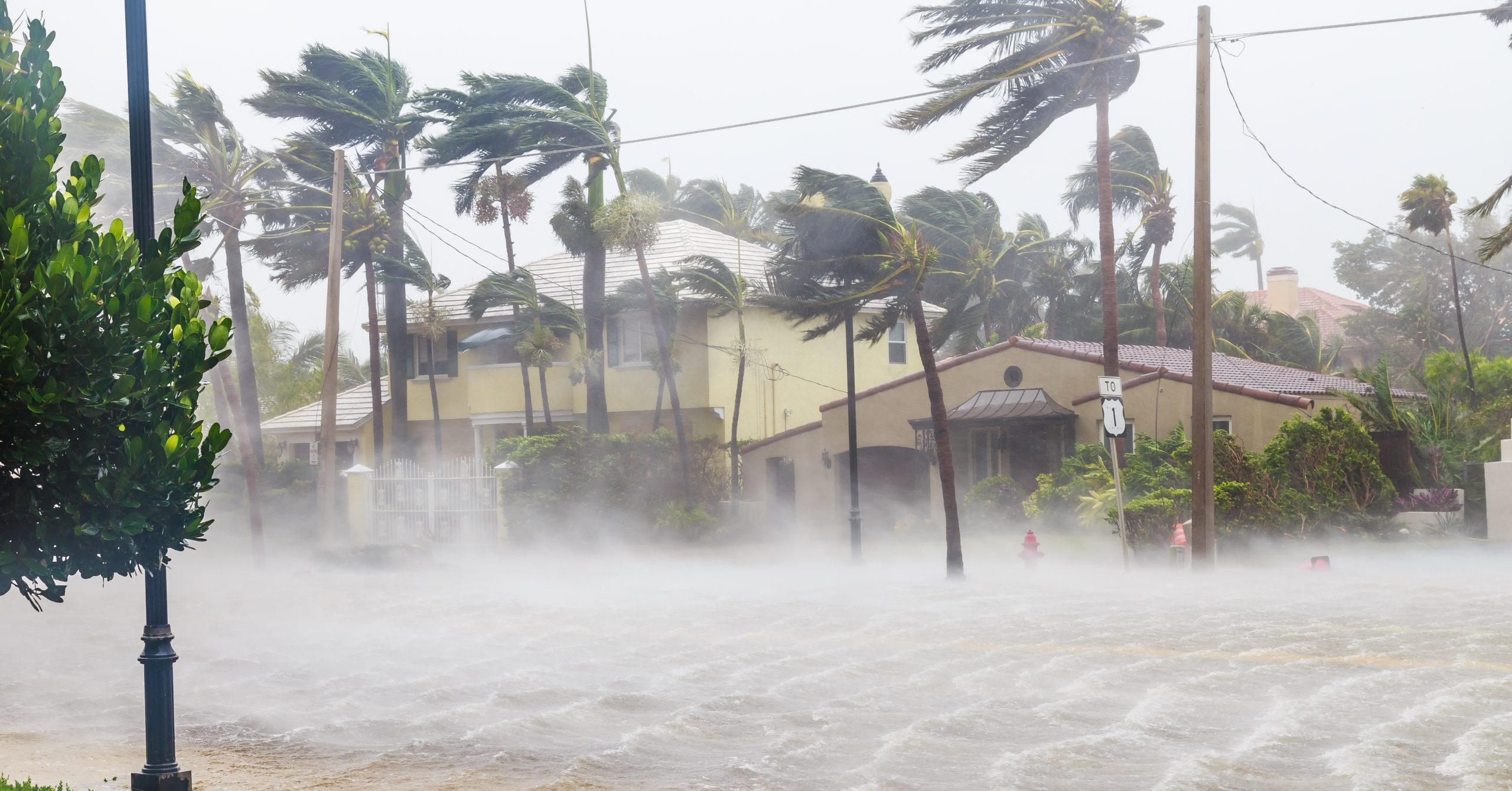
If you are located in the path of Hurricane Harvey, we hope that you, your family and coworkers are safe. With severe flooding in Texas and Louisiana coming on the heels of the severe tropical storm, we’ve prepared some guidance to help protect your irreplaceable data.
Preparing for a Storm
When you know that a storm is on its way, all hardware such as desktop computers, laptops, printers, scanners and smartphones should be unplugged from power sources to protect them from damaging power spikes and surges.
When unplugging isn’t an option, a high quality surge protector or uninterruptible power supply (UPS) should be used. Be sure to test these devices regularly in order to maintain optimal effectiveness.
If flooding is expected, move any data-bearing equipment to the highest, driest level of your home or building. Secure electronic devices in plastic bags or watertight containers.
How to Handle Your Wet Device
Sometimes, no matter how well you prepare, damage is inevitable. If you need to choose between your own safety and rescuing a device from damage, always choose your own well being. Your data can be saved. We can help.
Put water-damaged devices in a Ziploc bag and ship them to DriveSavers for proper handling. If a drive has already been dried off, do not put any extra water in the bag.
If the wet device is battery-powered, such as a laptop or smartphone, and it is possible to remove the batteries, do so before shipping. Whatever charge is left in the battery may speed corrosion inside the device.
What NOT To Do
Never attempt to dry out and use a wet computer, phone or other electronic device.
Do not attempt recovery of water-damaged equipment using software programs. They are ineffective in these cases and could even make matters worse.
Do not put your device into a drying agent like rice or, even worse, cat litter. For a detailed explanation of why this is a bad idea, read Wet SmartPhone: To Rice or not to Rice?
General Advice for Every Day
Storm or no storm, it’s smart to invest in data backup software and remember to back up regularly. This is especially important if you reside in a storm-prone region. Backing up can help prevent data loss even if a device is beyond repair, especially redundant backups, in which the same data is stored in different locations—one working copy on the device that you use, one backup copy on a local device such as an external hard drive and one backup stored in the cloud or off site.
DriveSavers has a long history of helping disaster victims retrieve data from waterlogged hard drives, smartphones and other data storage devices. We also routinely recover data after fires, mechanical damage, malware and just about any other type of failure.
Anyone with questions about data recovery should call DriveSavers at 800.440.1904. We’re available 24/7. We offer free evaluations and free shipping.
We will be offering financial help for victims of Hurricane Harvey who need data recovery. Stay tuned for details.
Read more:
Disaster Preparedness Data Safety Tips
Wet SmartPhone: To Rice or not to Rice?

 English (United States)
  English (Australia)
  French (France)
  English (UK)
  French (Canada)
  English (Canada)
  Spanish (Mexico)
  German
  Dutch
Dutch  Italian
  Finnish
  Polish
  Norwegian
  Swedish
  Danish
  Spanish (Spain)
  Chinese
  Japanese
  German (Austria)