


In the News: Data Recovery Lessons from “It’s All Money”
A clicking drive. A phone that won’t power on. A wildfire. A ransom note on an encrypted computer screen. In this It’s All Money interview, DriveSavers shares real-world perspectives on data recovery from complex RAID systems and everyday devices, plus what really happens when backups fail during ransomware and disaster scenarios.
Data loss rarely stays only a technical problem. For families, it can mean losing photos, videos, or years of creative work. For businesses, it can mean downtime, missed deadlines, compliance pressure, and operational disruption that compounds quickly.
This conversation stays practical: protecting the information important to your life or business, and knowing what to do when access disappears.
What Data Recovery Really Covers
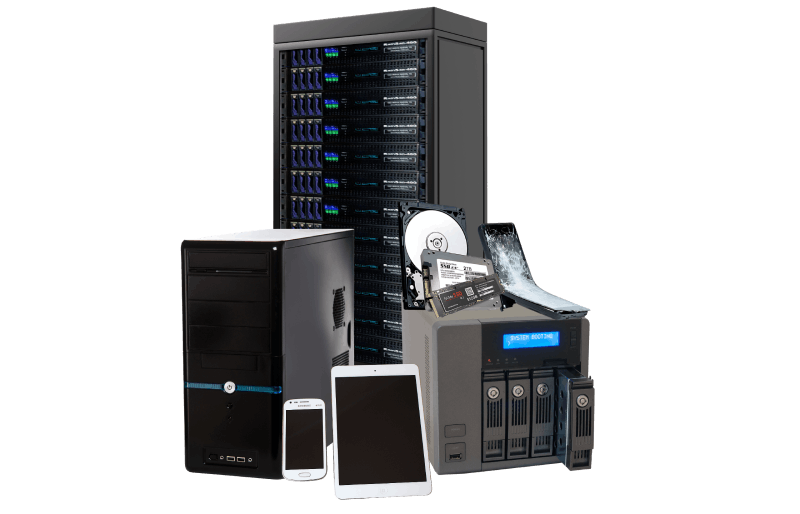
Mike Cobb explains scope in plain terms: if it stores digital information, it can become a data recovery scenario. That includes everyday storage devices like phones, tablets, laptops, SD and microSD cards, and external drives, as well as enterprise storage systems such as servers and multi-drive environments.
The bigger lesson isn’t “we support a lot of devices.” It’s that most people and organisations don’t realise how many single points of failure they’ve accumulated until something breaks.
Andy Maus walks through what many organisations experience: systems are encrypted, a ransom note appears, and teams suddenly find themselves making high-stakes decisions under pressure. That moment typically triggers incident response work, containment, remediation, and forensic analysis.
Incident response teams are responsible for containment, remediation, and restoring systems from available backups. DriveSavers is brought in when those restoration paths are not viable and critical data remains inaccessible due to corruption, deletion, or encryption. Our role is to recover the specific data required to restore business operations or for legal, compliance, or regulatory reasons.
One of the most useful parts of the interview is how data recovery is explained. In large environments, data isn’t always stored neatly in one place. Modern file systems may spread parts of a file across multiple drives, and systems rely on metadata to assemble those parts into a readable file.
When that “map” is damaged, recovery becomes a layered process: start at the physical layer, reconstruct how data was written, then reassemble usable files from fragments that may be scattered across drives.
In a RAID system, drives are designed to work together. But when enough components fail, or when a rebuild goes wrong, the impact is rarely isolated. The interview describes a high-drive-count environment where multiple teams were affected at once: research activities paused, operational workflows were disrupted, and everyone was waiting on the one data set that had to come back first.
This is why RAID recovery is often about controlled reconstruction rather than quick fixes. A RAID failure can also be worsened by well-intentioned actions taken too quickly (such as repeated rebuild attempts) when the RAID array’s underlying state or RAID configuration isn’t fully understood.
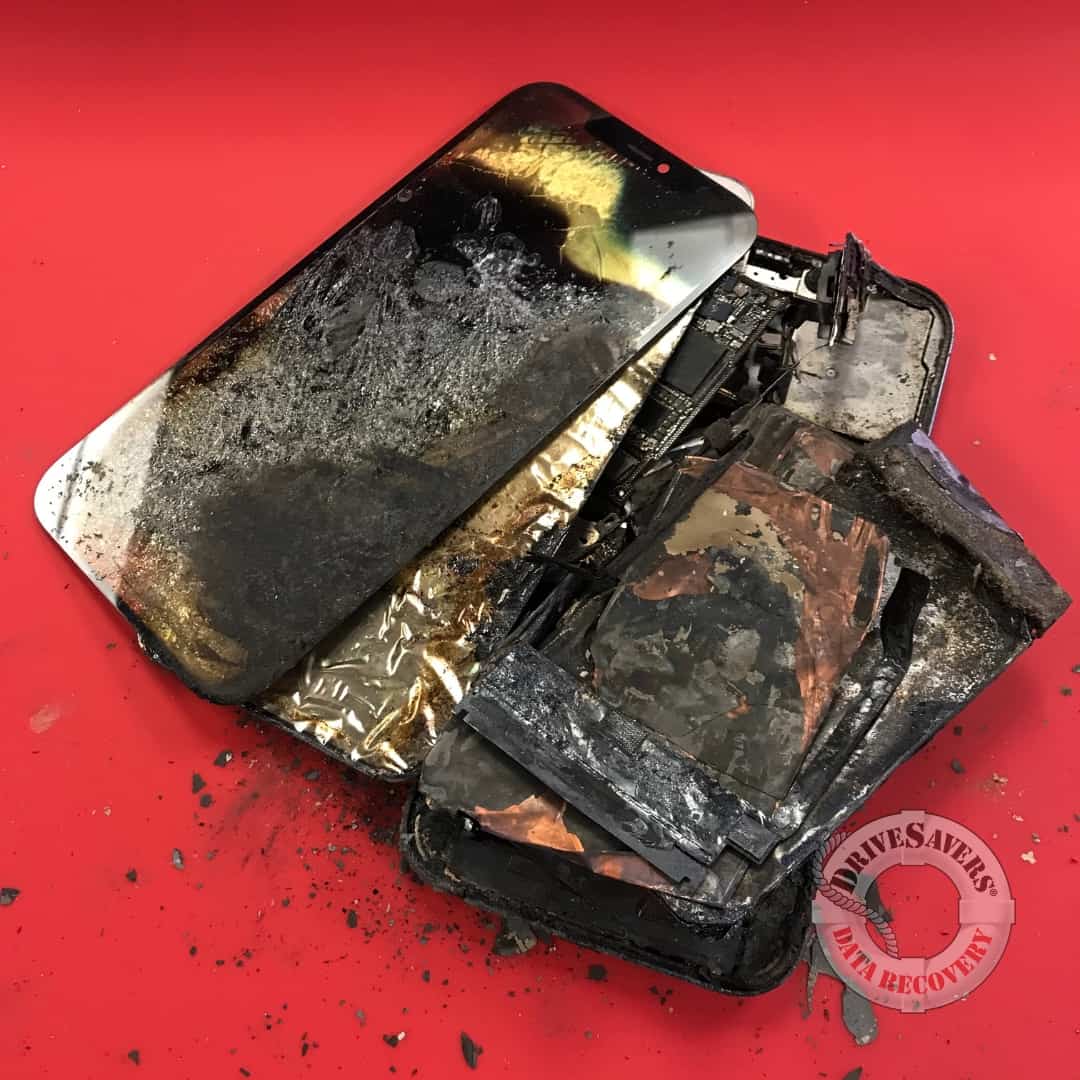
“Torched data” isn’t a metaphor. Wildfires and other disasters can damage devices, sometimes beyond recognition.
Here’s the practical point: appearance doesn’t always dictate outcome. If the components that store data retain integrity, recovery of lost data may still be possible. But it’s also important to say plainly that sometimes damage is too severe, which is why preparedness and backup strategy matter.
If you’re unsure, call DriveSavers, talking with a data recovery expert can help you avoid preventable damage.
Phones, laptops, external drives, SD cards, solid-state drives, USB flash drives, and more—anything that stores digital information.
Repeated attempts can overwrite data or worsen damage. If the data matters, it’s worth slowing down before making changes.
Follow your incident response plan first. Recovery decisions depend on what was encrypted, what backups exist, and what data is required to operate.
Thank you to the Sonoma Wealth Advisors team behind It’s All Money for featuring DriveSavers and giving space for a practical conversation about real-world data loss scenarios.
Need to recover critical data? DriveSavers data recovery specialists are available 24/7 at+44 (20) 3048 5486.

 English (United States)
  English (Australia)
  French (France)
  English (UK)
  French (Canada)
  English (Canada)
  Spanish (Mexico)
  German
  Dutch
Dutch  Italian
  Finnish
  Polish
  Norwegian
  Swedish
  Danish
  Spanish (Spain)
  Chinese
  Japanese
  German (Austria)