


Apple 迎來 50 週年:DriveSavers 自 1985 年起提供 Mac 資料復原服務
在 Apple 慶祝成立 50 週年之際,DriveSavers 回顧 40 年來的 Mac 資料復原歷程,從最初的 Macintosh 到 Apple Silicon。了解我們與 Apple 一同走過的資料復原歷史。
在 Apple 慶祝成立 50 週年之際,DriveSavers 回顧 40 年來的 Mac 資料復原歷程,從最初的 Macintosh 到 Apple Silicon。了解我們與 Apple 一同走過的資料復原歷史。
Knowing how to password protect an external hard drive is crucial to your overall cybersecurity. ✓ Learn how to protect both PCs and Macs.
在本文中,我們將說明 NIST 800-88 的實際要求、為何各類資料儲存媒體可能出現意料之外的情況,以及驗證服務如何縮短意圖與保障之間的差距。
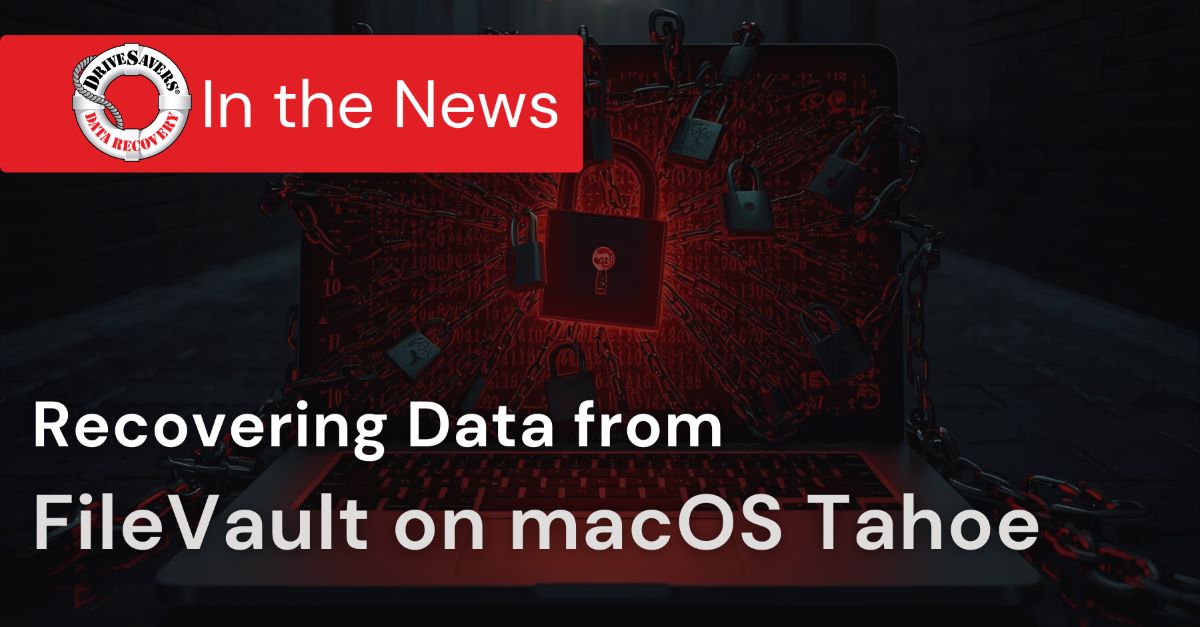
隨着 macOS 26 Tahoe 的發行,Apple 繼續其穩步前進以提升預設安全性。一個重大變動是:對於在設定時以 Apple ID 登入的用戶,FileVault 磁碟加密現已預設啟用。這可確保即使 Mac 遺失或被盜,其磁碟上的資料仍然在硬件層面受到保護。

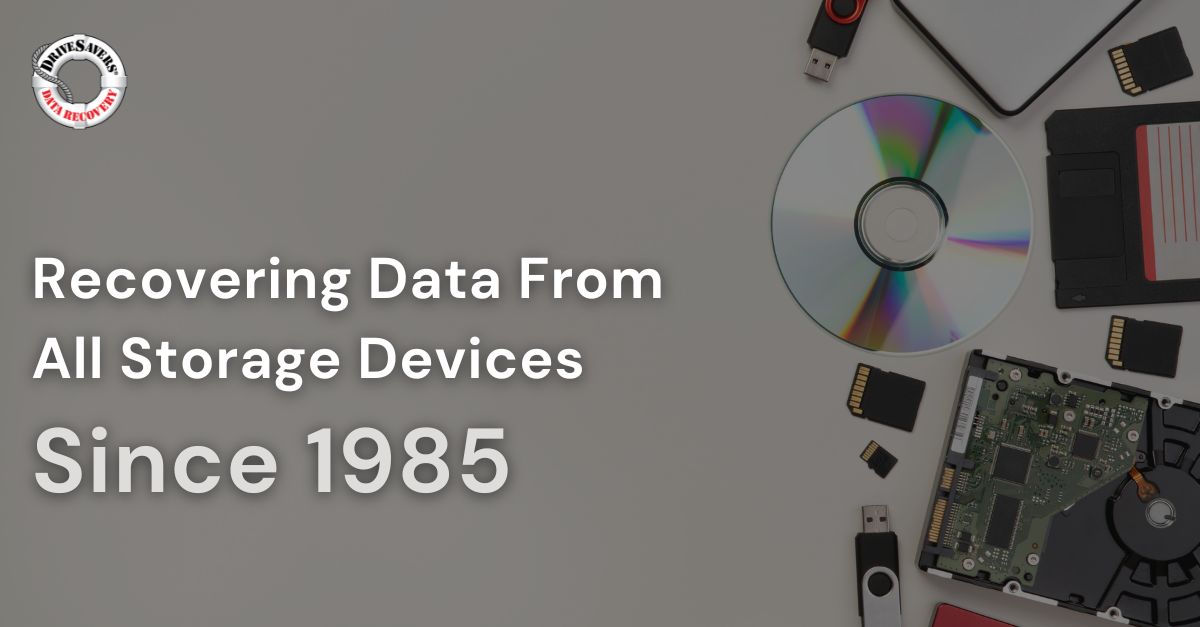
For over 40 years, DriveSavers has been there—recovering data across every format and failure scenario. We’ve seen the full evolution of storage technology because we’ve worked hands-on with every phase of it.
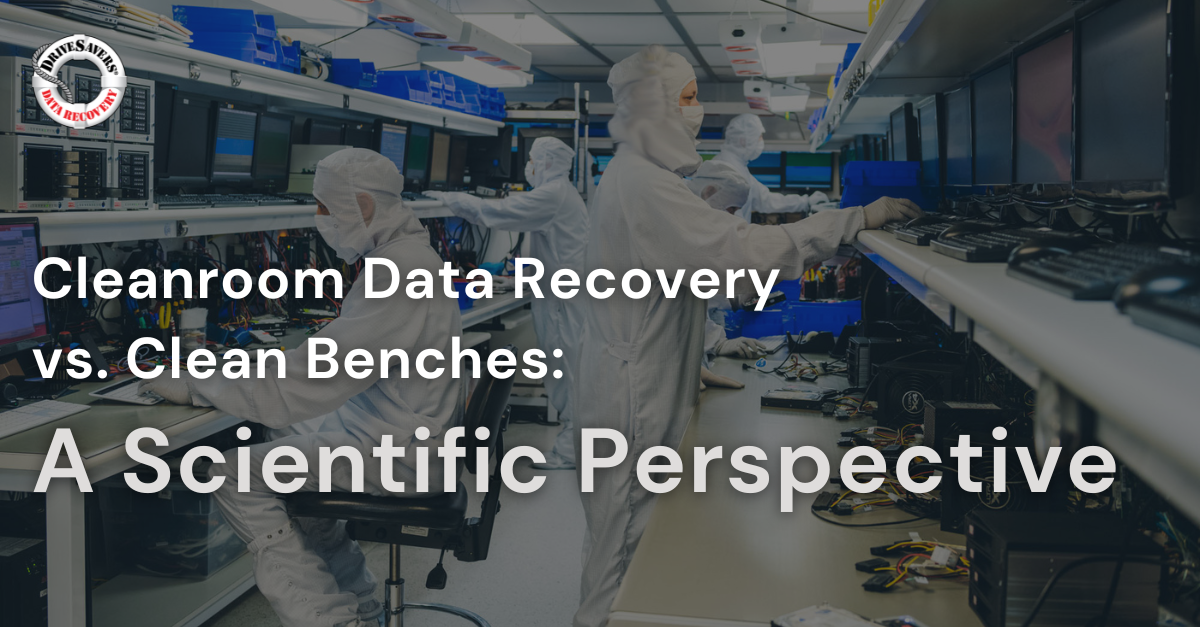
Discover the critical differences between cleanroom data recovery and clean bench setups. Learn why a certified clean room is essential for safe and successful hard drive recovery at the microscopic level.
在「世界密碼日」,了解 Passkey 如何提供更安全、更快速的登入方式。認識密碼與 Passkey 之間的差異——以及為何現在正是升級的時候。
 English (United States) English (United States)
  English (Australia)
 French (France)
 English (UK)
 French (Canada)
 English (Canada)
 Spanish (Mexico)
 German
 Dutch
Dutch
 Italian
 Finnish
 Polish
 Norwegian
 Swedish
 Danish
 Spanish (Spain)
 Chinese
 Japanese
 German (Austria)