


RAID Data Recovery Guide and Tips
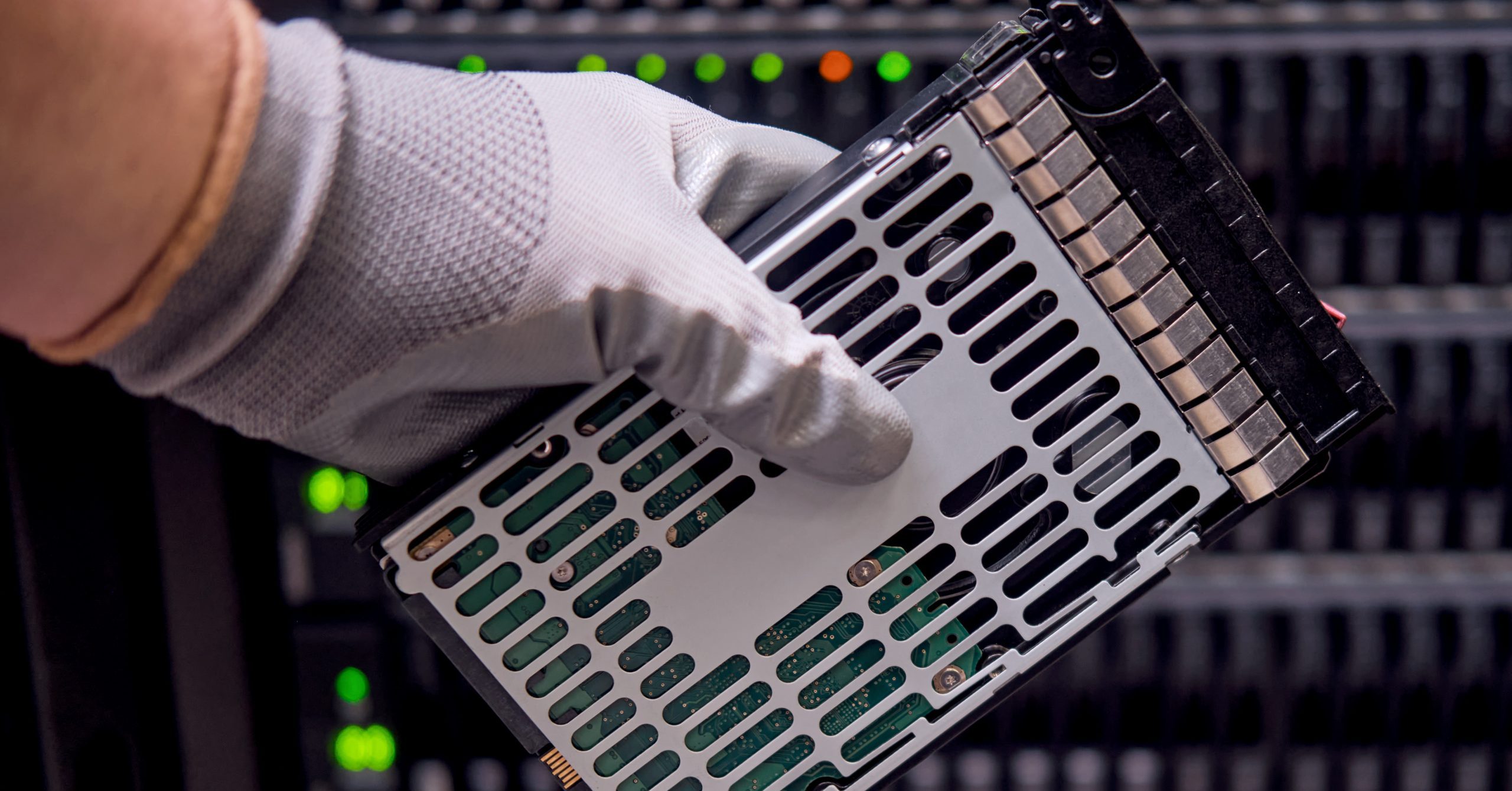
Critical data is often stored on RAID systems because the configurations are considered to be fault tolerant. RAID systems can be configured to keep working when one drive fails allowing disks to be hot swapped while the system keeps running, but even this setup of an array of drives is not infallible. It can only offset the failure of a single drive and the chances of multiple drive failures occur more frequently than most people want to imagine.
It’s important to remember that RAID systems are susceptible to the same problems that plague single hard drives, as well as, more complex problems such as: lost server registry configurations, accidental RAID drive reconfigurations, RAID controller failures and multiple drive failures.
RAID systems are “fault tolerant” not “fault proof.”
Here are some “Don’ts” to avoid further data loss or damage of a RAID device and optimize the best conditions for data recovery:
Don’t Do-It-Yourself
The best chance for retrieving critical data is the first try—so sending the RAID to a professional data recovery provider will protect the original data. In the scenario, the less you do, the better.
Don’t Rebuild the RAID
This could overwrite the data set on the RAID controller, which tells it how to view the drive array, making it more difficult (or impossible) to find and restore lost files.
Don’t Remove the Drives
Preserving the original order of the RAID array reduces the chance of overwriting critical data by mistake. If you must remove the drives, carefully label their sequence before doing so.
Don’t Run Repair Utilities
Utilities can change the original data, destroying opportunities to retrieve it with another recovery technique.
Don’t Reinitialize or Format
The process could overwrite the catalog and data pointers, effectively erasing the critical data.
Don’t Restore from Backups
If the backup doesn’t hold the data you think it holds, you run the risk of overwriting the RAID array with the wrong data.
If you need data recover on your failed RAID device, call DriveSavers 800.440.1904!

 English (United States)
  English (Australia)
  French (France)
  English (UK)
  French (Canada)
  English (Canada)
  Spanish (Mexico)
  German
  Dutch
Dutch  Italian
  Finnish
  Polish
  Norwegian
  Swedish
  Danish
  Spanish (Spain)
  Chinese
  Japanese
  German (Austria)