


11 Tips for a Stronger Password

Weak passwords can make it easy for someone to access your business or personal data. Use strong passwords that are enforced for all user accounts, including those with remote access to your system. Here are some good tips to follow when creating passwords.
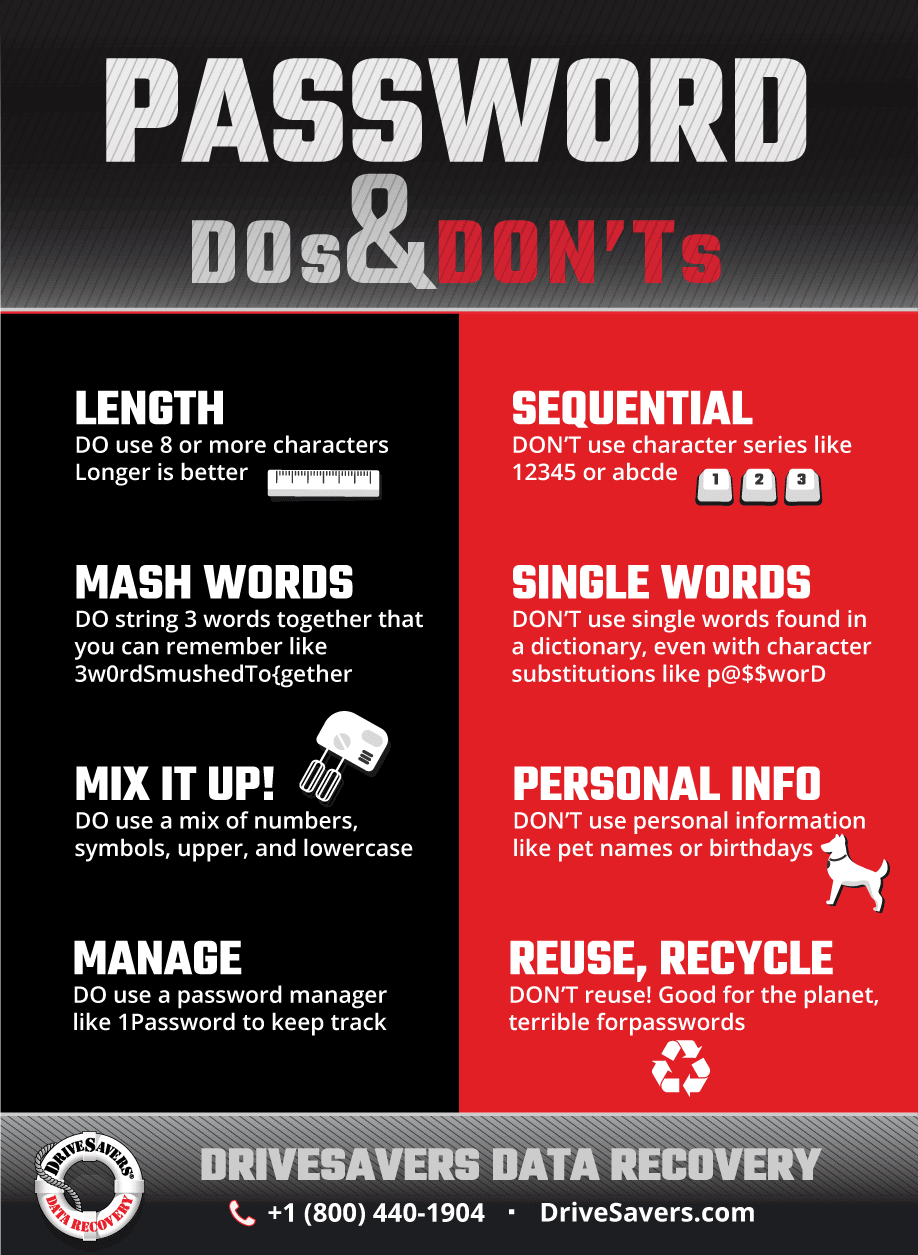
Click to enlarge.
- Passwords should be at least eight characters long. Longer is better.
- Don’t use a character series like 1234, 4321, abc, etc.
- Include a mix of upper and lower case letters, numbers and punctuation, and spread them out in your password rather than lumping them all at the beginning or end.
- Avoid personal information that can be mined from social media, like birthdays, pet names, street names, etc.
- Don’t use single dictionary words (spelled forward or backward).
- Don’t use character substitution for dictionary words (like p@$$worD).
- Use a string of 3 words mashed together that are meaningful to you so you can easily remember your password without having to write it down and refer to it.
- Good password example: 3wOrdSmushedTo{gether
- Bad password example: P@ssword123
- Don’t reuse passwords. Use a unique password for everything.
- Use a password management tool like 1Password to generate and store truly randomized strong passwords.
- Add two-factor authentication (aka 2-step or multi-factor) if offered. Many services like Google, Apple, Microsoft and Facebook offer multi-factor authentication.
- If you’re an administrator, screen new passwords against lists of commonly used or compromised passwords.

 English (United States)
  English (Australia)
  French (France)
  English (UK)
  French (Canada)
  English (Canada)
  Spanish (Mexico)
  German
  Dutch
Dutch  Italian
  Finnish
  Polish
  Norwegian
  Swedish
  Danish
  Spanish (Spain)
  Chinese
  Japanese
  German (Austria)