Skip to content

Rough Weather Threatens Data

When severe weather threatens your home, school or business this spring, don’t be caught unprepared. As temperatures rise and rain clouds gather, the resulting storms, floods and other damaging impacts of bad weather pose a very real threat to any unprotected data storage device. Defend Your Data Be prepared to…
SSD: What Happens When Connections Fail

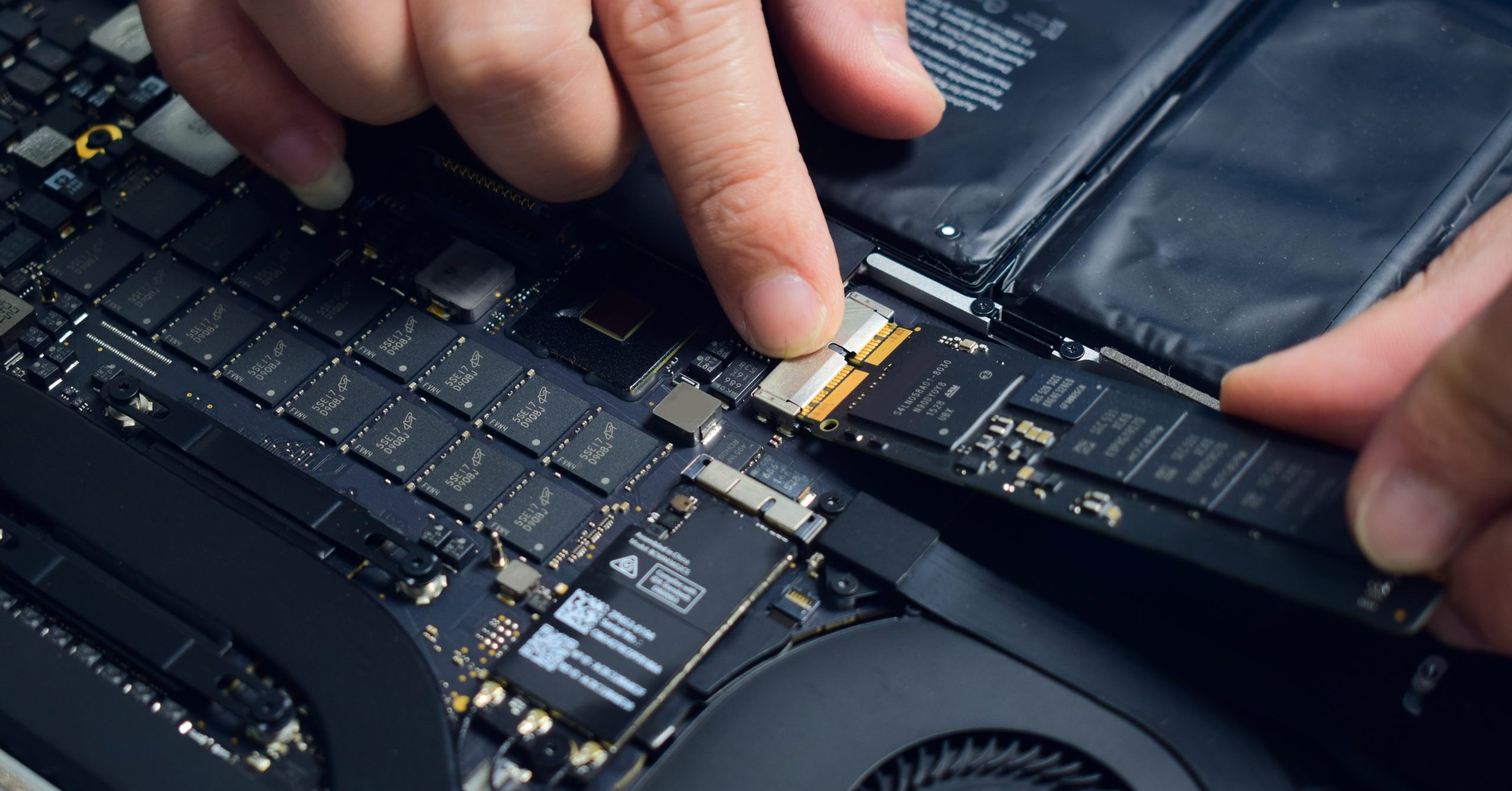
Scenario: Unknown PCB (printed circuit board) Failure A solid-state drive (SSD) is simply a printed circuit board (PCB) with typically 3 basic types of chips soldered to it; DRAM, NAND and a controller (aka the “brain”). Each chip must be perfectly aligned with its specific location on the PCB, and…

Holiday Computer Safety Tips

If you are going to be away from home or shutting down your business during the holidays, here are some tips to keep your important data safe from harm’s way. Back Up First and foremost, make sure you have everything important backed up. A backup is just a copy, stored…

Four Ways to Protect Yourself from a Data Breach

Data breaches have become an almost predictable problem with banks and major retailers. Now a couple of telephone companies have been fined $10 million for violating security laws designed to protect the confidentiality of customers proprietary information (PI). The customer names, Social Security numbers, birth dates, addresses, driver’s license numbers…

SSD: What Happens When System Area Corruption Occurs

Scenario: System Area Corruption There are different types of corruption that can occur in an SSD. In this article, the specific type we will be discussing is more commonly known as “system area corruption.” We’re all familiar with operating systems (OS) and file systems. What you may not be aware…

Medical Data: Tempting Target for Cyber Theft

Data breaches are a fact of life nowadays, so it’s not exactly surprising to learn of another hack in which more than 4.5 million medical patient records were recently stolen from Community Health, a Tennessee health care company. One of the largest hospital groups in the country, Community Health has…

SSD: What Happens When Files are Accidentally Deleted

Scenario: Data Deletion Data deletion occurs when a user deletes data and then empties the recycle/trash bin. TRIM Command In order to maintain optimal performance, all modern solid-state drives utilize the TRIM command. When enabled, this command executes automatically to delete and reset data that has been “Trashed” or “Recycled” and prepare…

Trends in Security of Data Recovery Operations

Using an Unscrupulous Data Recovery Vendor Can Result in Loss or Theft of Sensitive and Confidential Information (Novato, CA – January 10, 2012) – DriveSavers Data Recovery, the worldwide leader in data recovery services, announced today that the Ponemon Institute, a privacy and information management research firm, identifies in its second annual study, Trends in…

Is Your Data Safe at a Data Recovery Company?

With any data recovery company, you should never assume anything, especially when it comes to security. DriveSavers guarantees the confidentiality and security of customer data. No exceptions. Every year the company undergoes a SOC 2 Type II audit that reviews the myriad of security and privacy protocols DriveSavers has in place to…

Back To Top
Search